

Skip to content
View in the app

A better way to browse. Learn more.

IPBMafia.ru - поддержка Invision Community, релизы, темы, плагины и приложения

A full-screen app on your home screen with push notifications, badges and more.

To install this app on iOS and iPadOS
  1. Tap the Share icon in Safari
  2. Scroll the menu and tap Add to Home Screen.
  3. Tap Add in the top-right corner.
To install this app on Android
  1. Tap the 3-dot menu (⋮) in the top-right corner of the browser.
  2. Tap Add to Home screen or Install app.
  3. Confirm by tapping Install.

[4.2] Surface Dark 1.0.1 4.2.x

(1 review)

6 Screenshots

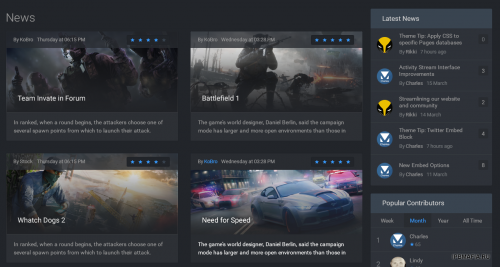
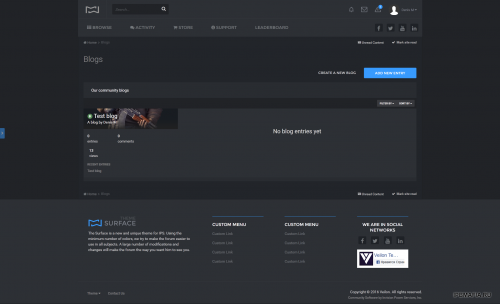
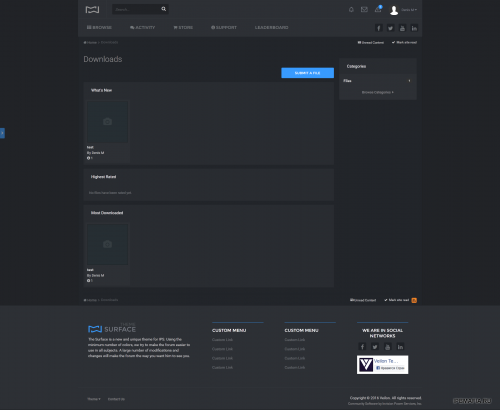
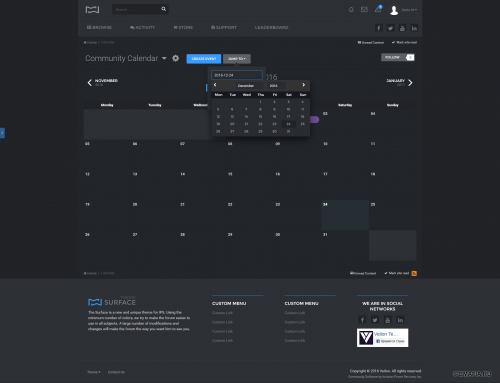
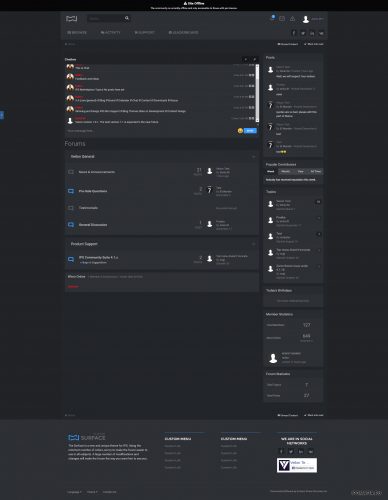
The theme of «Surface» is a fully modernized design IPS in different colors.
We tried to make the best design and make it easier to customize style, so have worked out every detail.
We wish to make as high quality a product as possible and «Surface» will reveal it.

Full Screen: Home Page, Calendar, Downloads, Blogs, Gallery, Article Page Styling
Also in the archive are present:

  • Skin Images (4 custom guestmessage cover backgrounds)

Click here for demo!

What's New in Version 4.2.x

Released

No changelog available for this version.

User Feedback

You may only provide a review once you have downloaded the file.

   5 of 7 members found this review helpful 5 / 7 members

Вот и нормальные скрины:


1.png

2.png

3.png

4.png

5.png

6.png

Account

Navigation

Search

Search

Configure browser push notifications

Chrome (Android)
  1. Tap the lock icon next to the address bar.
  2. Tap Permissions → Notifications.
  3. Adjust your preference.
Chrome (Desktop)
  1. Click the padlock icon in the address bar.
  2. Select Site settings.
  3. Find Notifications and adjust your preference.
