






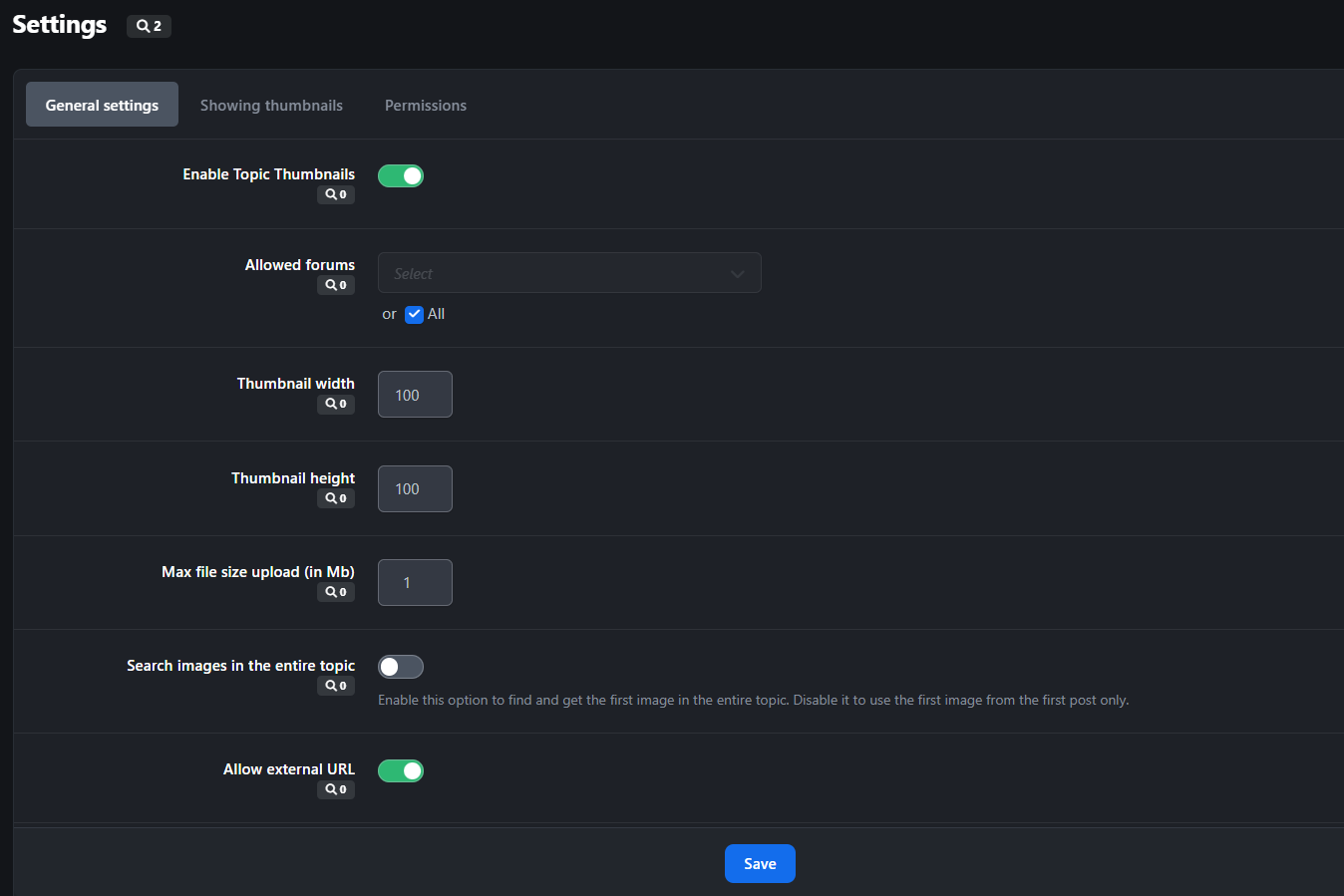
This application was developed by (onlyME), improvements and the removal of the domain license check were carried out by me (Murid).
Attention!!
The base version used in this application is the original version 5.1.4.
Don't use this application alongside the original one, they use the same database configuration keys and installation path.
If you wish to purchase the original version: https://ipsappzone.com/files/file/46-topic-thumbnail/
Features:
Display topic thumbnails in:
Forum index
Forum view.
Topic Feed widget.
Clubs.
Allow topic authors or specified member groups to select thumbnails from:
Images within the topic content,
External URLs
Manual uploads.
Ability to generate thumbnails from YouTube, Vimeo, Dailymotion.
Support for Grid View mode.
Option to replace Forum Icons with Topic Thumbnails.
Новое в версии 5.1.5
Выпущена
- Removed the domain license requirement for installation.
- Fixed silent bugs.
- Fixed a bug where a file was created in the directory even when "Import external images" was disabled.
- Fixed an unnecessary function that was creating two imported images in the directory; now, only the thumbnail image is created.
- Fixed a logic issue that caused external images to be stored unintentionally.
- Changed configuration fields in the ACP to "Checkboxset" for a better visual layout.
- Added a security check for external URLs lacking a valid extension.
- New feature: "Show as forum icon" now allows you to customize the display for the "Grid" view on the Forum Index.
Вы сможете оставить отзыв только после скачивания файла.
Отзывов пока нет