
Skip to content
View in the app

A better way to browse. Learn more.

IPBMafia.ru - поддержка Invision Community, релизы, темы, плагины и приложения

A full-screen app on your home screen with push notifications, badges and more.

To install this app on iOS and iPadOS
  1. Tap the Share icon in Safari
  2. Scroll the menu and tap Add to Home Screen.
  3. Tap Add in the top-right corner.
To install this app on Android
  1. Tap the 3-dot menu (⋮) in the top-right corner of the browser.
  2. Tap Add to Home screen or Install app.
  3. Confirm by tapping Install.

(OMIC5) Topic Thumbnail 5.1.5

(0 reviews)

5 изображений

This application was developed by (onlyME), improvements and the removal of the domain license check were carried out by me (Murid).

Attention!!

  • The base version used in this application is the original version 5.1.4.

  • Don't use this application alongside the original one, they use the same database configuration keys and installation path.

  • If you wish to purchase the original version: https://ipsappzone.com/files/file/46-topic-thumbnail/


Features:

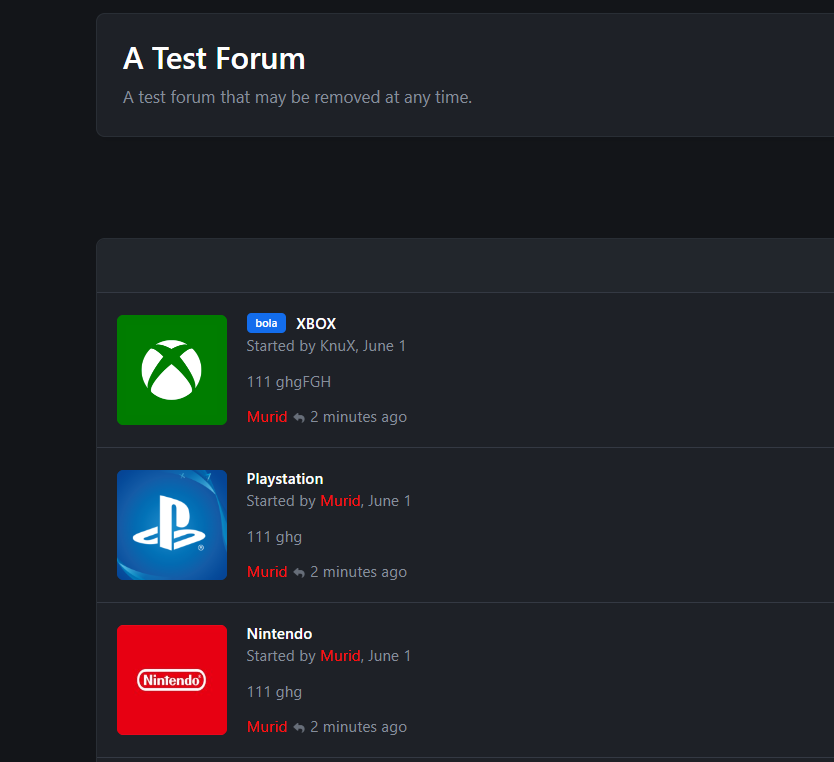
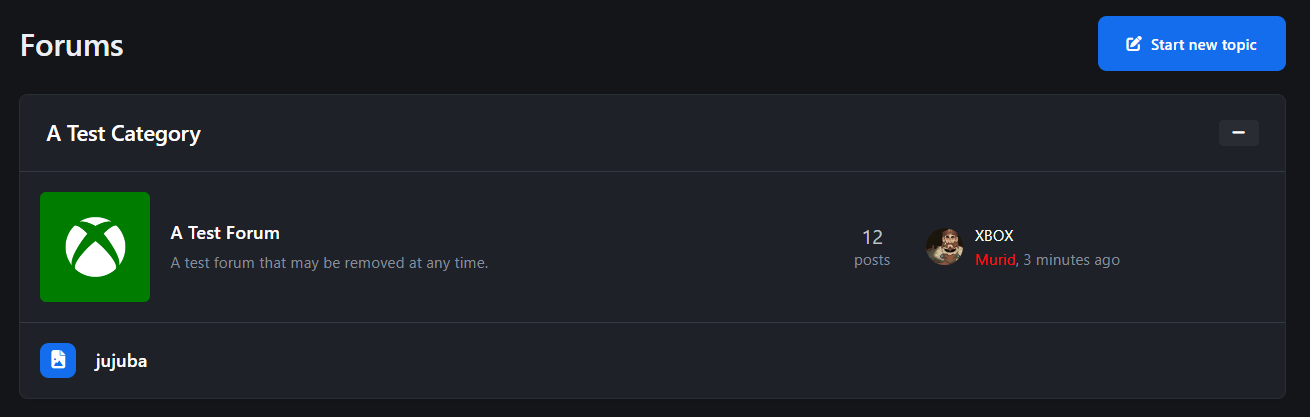
  • Display topic thumbnails in:

    • Forum index

    • Forum view.

    • Topic Feed widget.

    • Clubs.

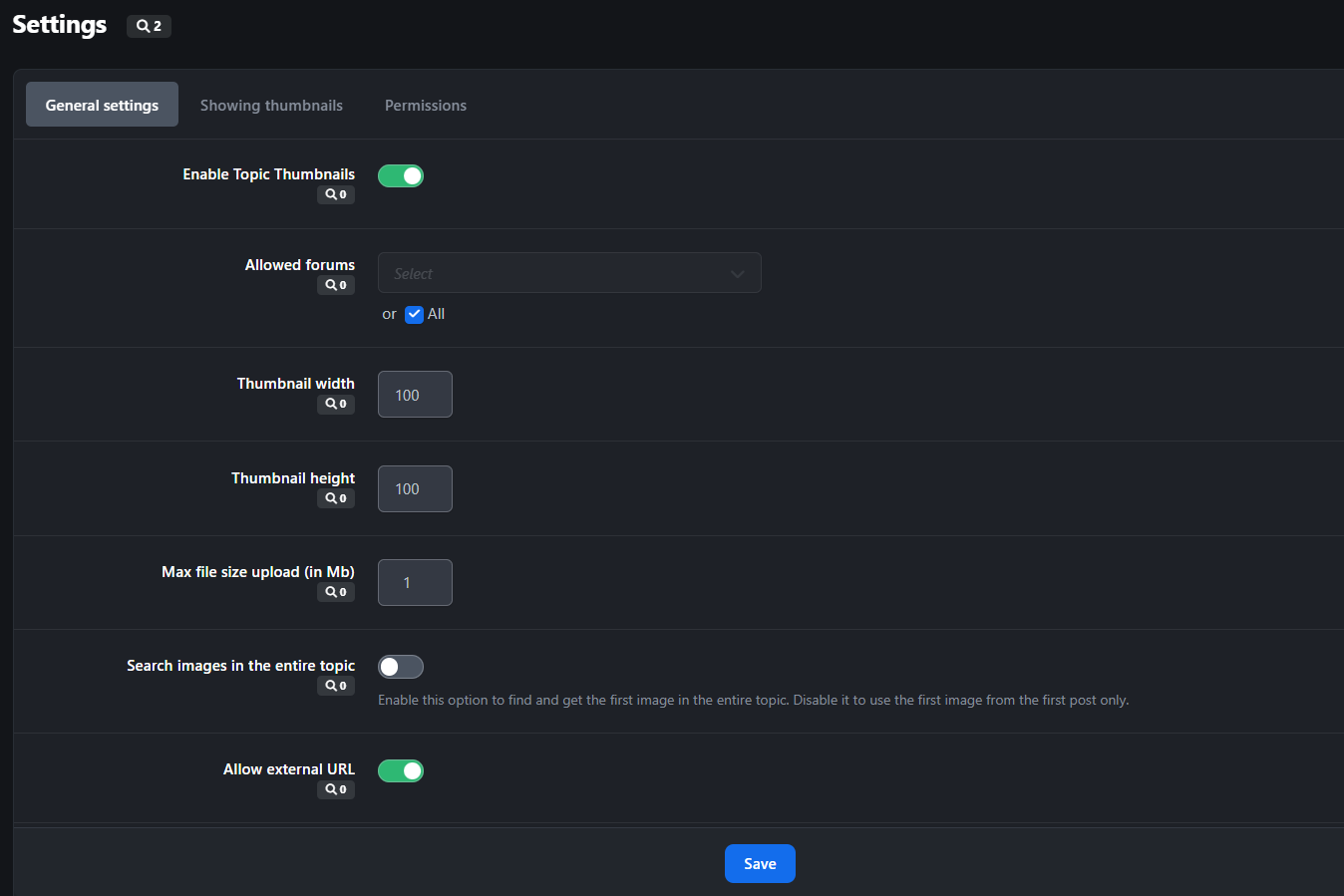
  • Allow topic authors or specified member groups to select thumbnails from:

    • Images within the topic content,

    • External URLs

    • Manual uploads.

  • Ability to generate thumbnails from YouTube, Vimeo, Dailymotion.

  • Support for Grid View mode.

  • Option to replace Forum Icons with Topic Thumbnails.

Новое в версии 5.1.5

Выпущена

Изменения не указаны

User Feedback

Вы сможете оставить отзыв только после скачивания файла.

Отзывов пока нет

Account

Navigation

Search

Search

Configure browser push notifications

Chrome (Android)
  1. Tap the lock icon next to the address bar.
  2. Tap Permissions → Notifications.
  3. Adjust your preference.
Chrome (Desktop)
  1. Click the padlock icon in the address bar.
  2. Select Site settings.
  3. Find Notifications and adjust your preference.