avangcom
Актив
-
Регистрация
-
В сети
Everything posted by avangcom
-
Hello I want to change the header part of the default theme like this THEME DEFAULT : CHANGE TO : please guide me Thanx. @by_ix @SlawkA@DEST &....


-
What code should we use for CSS?
-
-
-
-
Isn't there an easier way for update theme???
-
@by_ix @Desti @SlawkA
-
How to use Developer Tools 4.7.9 ? https://invisioncommunity.com/files/file/7185-developer-tools/
-
Would you suggest a better way??
-
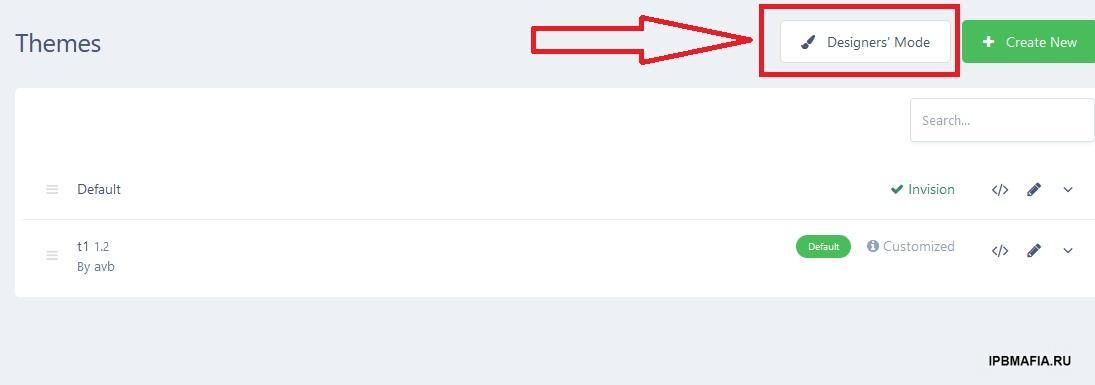
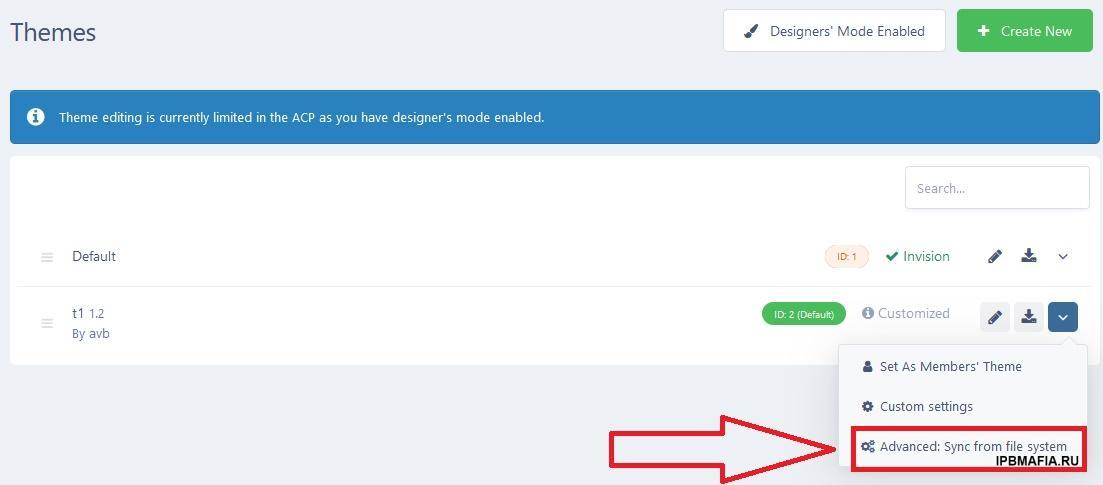
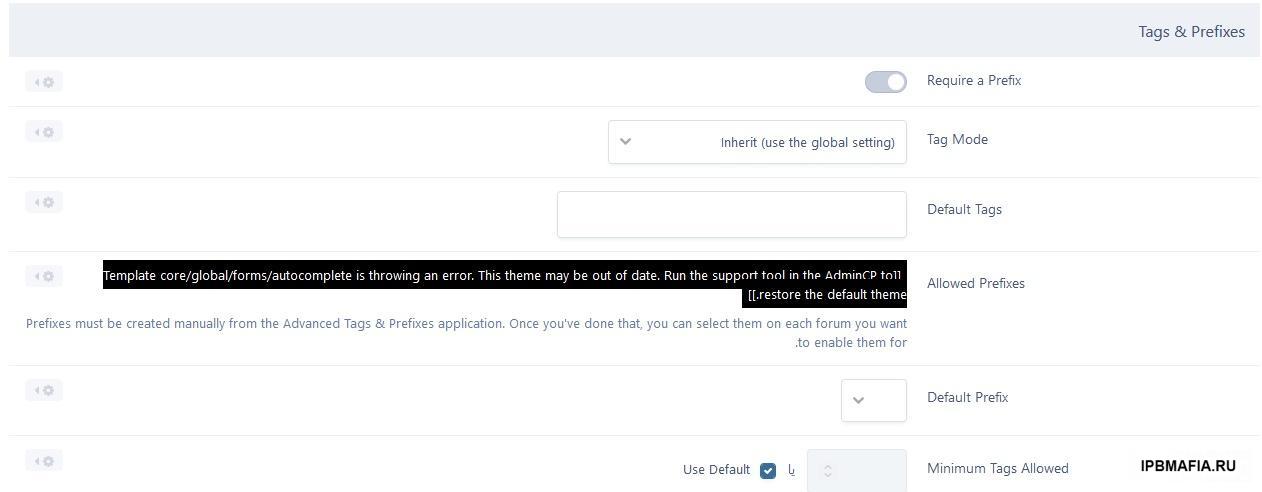
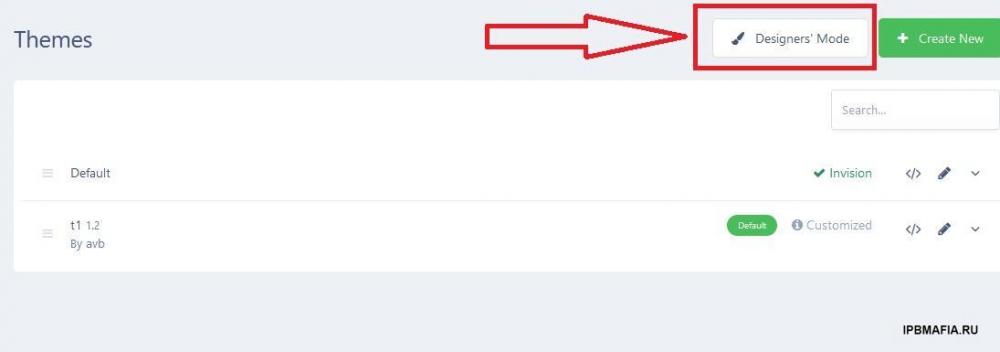
Well, I found the way and I will let everyone use it here First, activate the design mode in the theme section theme that is not compatible and click ( Advanced: Sync from file system,) the system will automatically adapt the template And after the operation, the template will be compatible with the new version
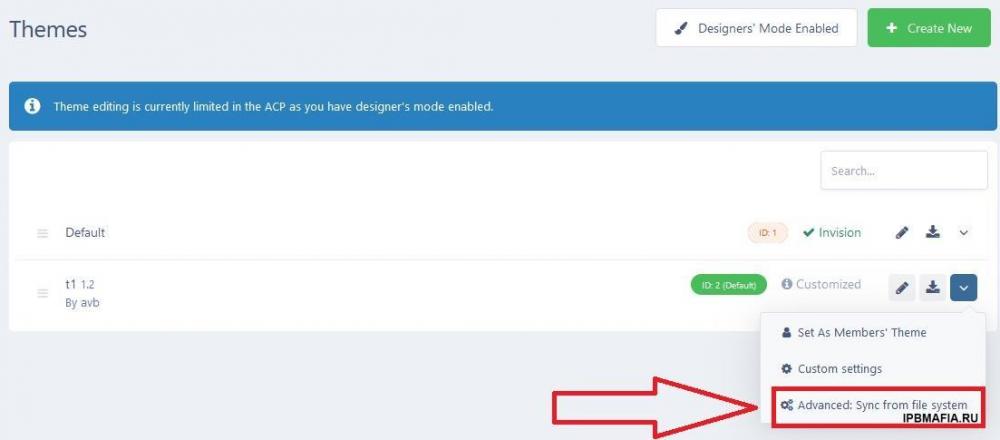
-
UP
-
up
-
Where is this item related to the Chrome browser?
-
I don't remember which version it was, but with version 4.7.0 it works without any problem with this plugin
-
Yes, it works on php7.4 so far Now I realized that the whiteness of the site is due to the who was online plugin For the ips template, the plugin loads without any problem, but for my template, if the plugin is active, the site doesn't load Who Was Online (Hours).xml There must be a format incompatibility with the new version because my theme was made by editing the original version of the lower version
-
Hello friends I have a theme that loads well on version 4.7.0, but when I tested it on version 4.7.9, the theme doesn't load and the screen turns white. I would like to thank my friends for guiding me to update the theme VERSION PHP 8.1
-
-
-
UP
-
No, I think it should be changed through CSS
-
🙄
-
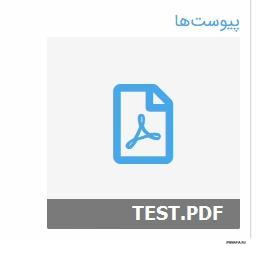
How to make the icon of the attached files like this???
-
Thanks for the advice everyone Just one question, how can I enter the ips header and footer into the project?
-
@Desti
-
I did this, but I am using a database and the index is not working properly