Skip to content
View in the app

A better way to browse. Learn more.

IPBMafia.ru - поддержка Invision Community, релизы, темы, плагины и приложения

A full-screen app on your home screen with push notifications, badges and more.

To install this app on iOS and iPadOS
  1. Tap the Share icon in Safari
  2. Scroll the menu and tap Add to Home Screen.
  3. Tap Add in the top-right corner.
To install this app on Android
  1. Tap the 3-dot menu (⋮) in the top-right corner of the browser.
  2. Tap Add to Home screen or Install app.
  3. Confirm by tapping Install.

(MVIC5) Vala Story 1.0.1

(0 reviews)

6 изображений

This application was initially developed by "M. Vala", ported and redesigned by me "Murid".

VERSION 1.0.1 IS A BETA VERSION!

Some bugs and improvements to be made:

  • Unstable story viewer.

  • Unstable story progression bar in certain situations.

  • The reporting system has not yet been implemented.

----------

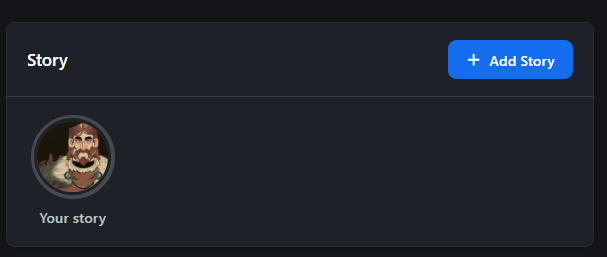
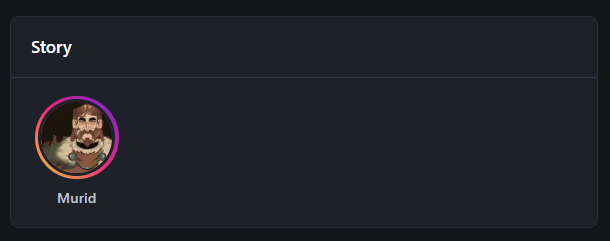
Vala Story is a powerful application for your community that allows users to publish and view stories.

Features:

  • Publish and view stories.

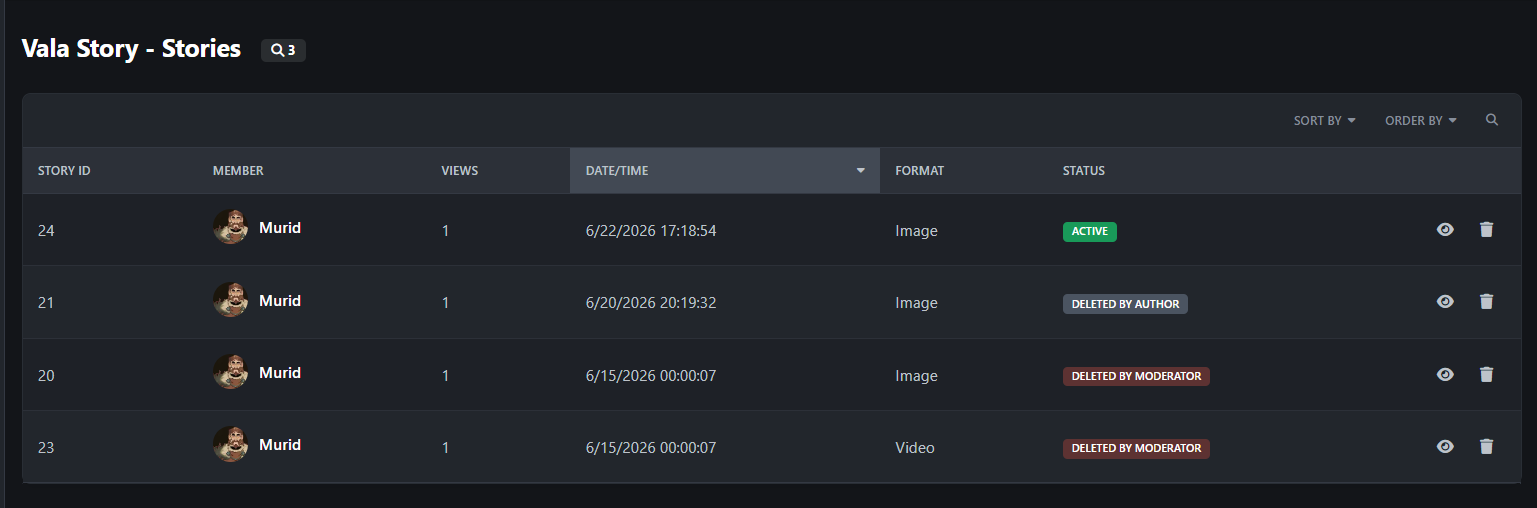
  • Accepts images and videos.

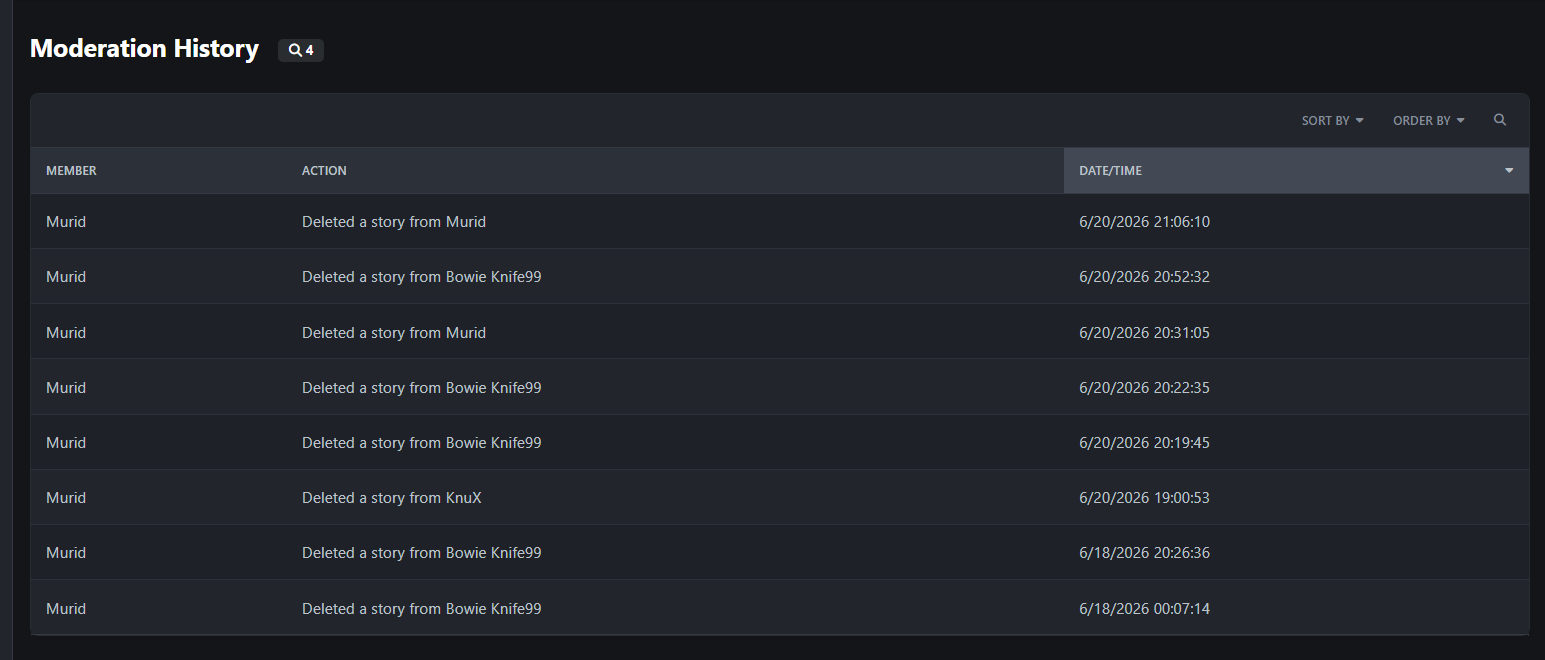
  • Moderation system and logs.

  • Story duration

  • File size and duration limit

-------------------------

Working well on version 5.0.18 Invision Community.

If you need help or have suggestions for features, please comment in the support topic.

Edited by Murid

Новое в версии 1.0.1

Выпущена

Fixed a bug where the "+" button in "Your Story" would disappear when an active story existed.

Added the "dev" folder for interested developers.

User Feedback

Вы сможете оставить отзыв только после скачивания файла.

Отзывов пока нет

Account

Navigation

Search

Search

Configure browser push notifications

Chrome (Android)
  1. Tap the lock icon next to the address bar.
  2. Tap Permissions → Notifications.
  3. Adjust your preference.
Chrome (Desktop)
  1. Click the padlock icon in the address bar.
  2. Select Site settings.
  3. Find Notifications and adjust your preference.