Jump to content
View in the app

A better way to browse. Learn more.

IPBMafia.ru - поддержка Invision Community, релизы, темы, плагины и приложения

A full-screen app on your home screen with push notifications, badges and more.

To install this app on iOS and iPadOS
  1. Tap the Share icon in Safari
  2. Scroll the menu and tap Add to Home Screen.
  3. Tap Add in the top-right corner.
To install this app on Android
  1. Tap the 3-dot menu (⋮) in the top-right corner of the browser.
  2. Tap Add to Home screen or Install app.
  3. Confirm by tapping Install.

kevinexit

Пользователи
  • Joined

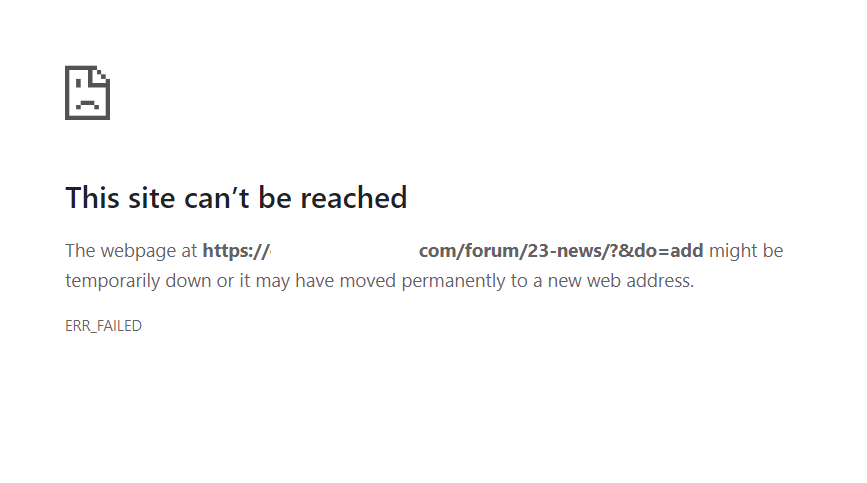
  • Last visited

  1.    kevinexit reacted to a post in a topic: How to View the source code in Editor
  2. how can we get this application?
  3. how do i use the dev tools?
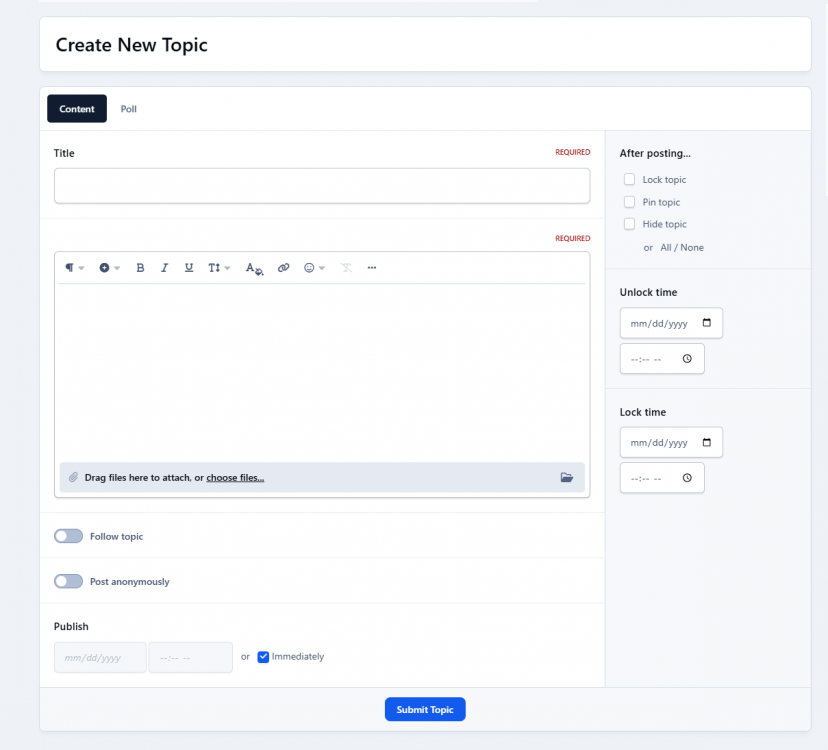
  4. Hi guys, I'm wondering how I can view the source code of my text in this version. it was easy on version 4. pls let me know if you know how to enable it. Thank you.
  5. You don’t accept PayPal?
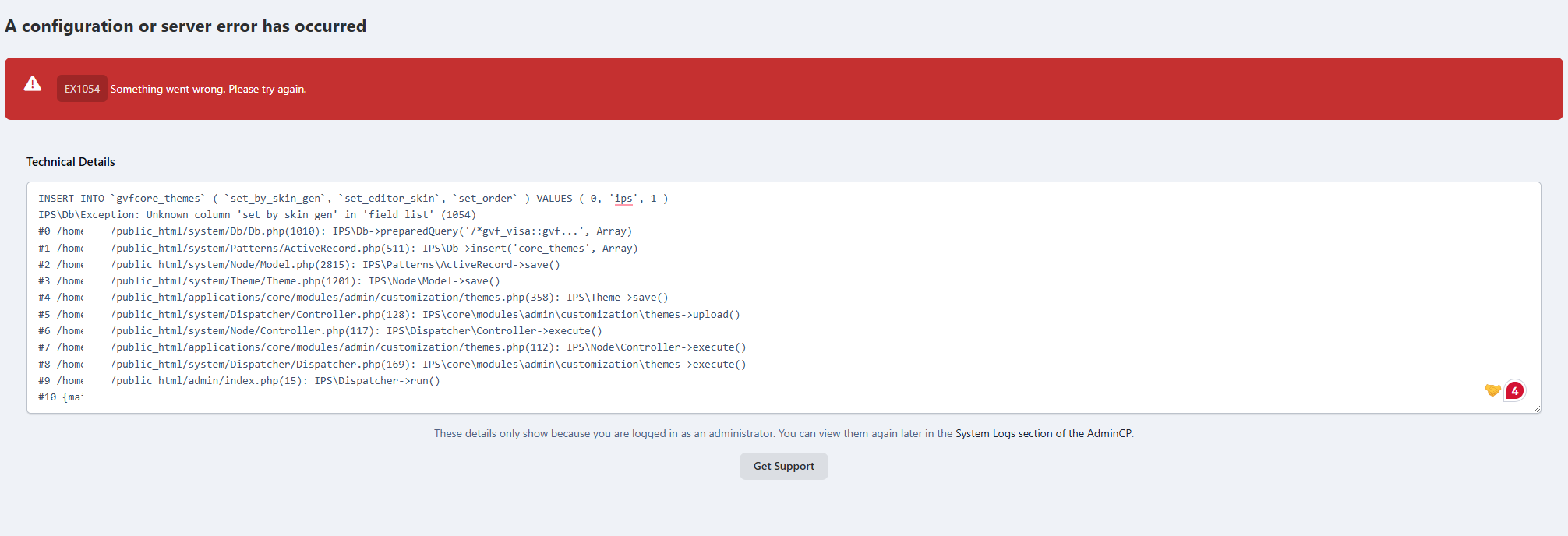
  6.    Silence reacted to a post in a topic: A configuration or server error has occurred
  7. i guess the problem is on the server side
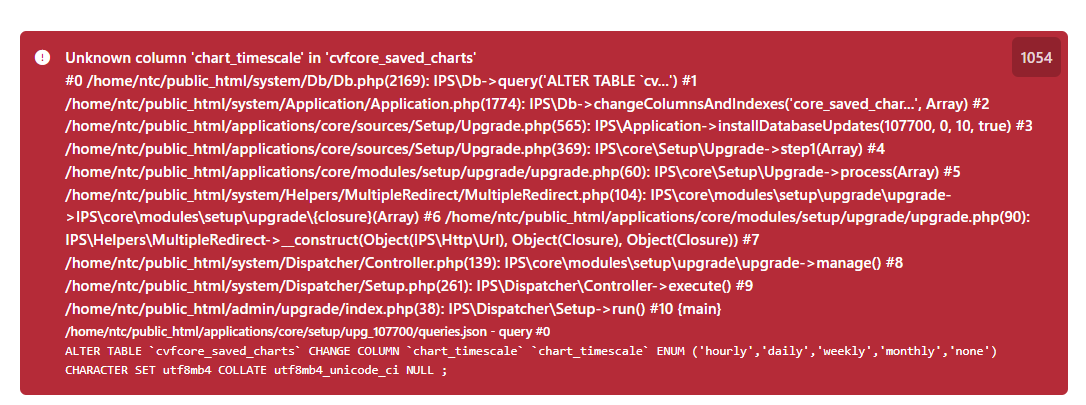
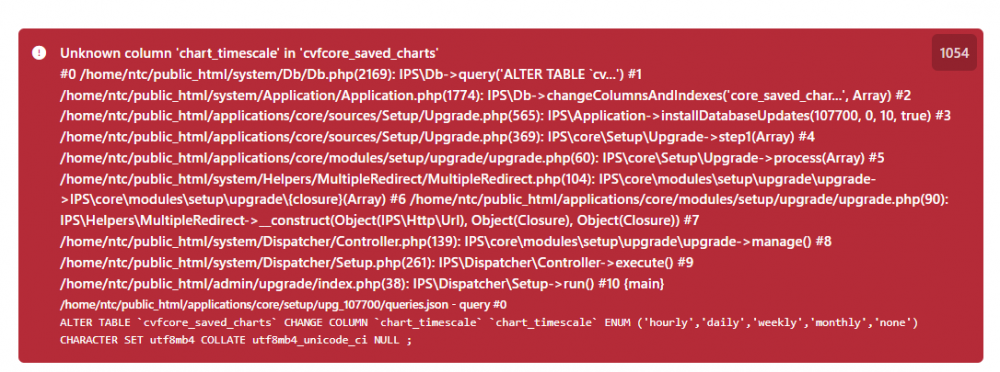
  8. I have another database error when trying to update another forum. Can someone please give me a clean database?
  9.    kevinexit reacted to a review on a file: Sticky Header
  10. I’m using beta 2 too. I guess it's a database issue or a server.
  11.    Silence reacted to a post in a topic: A configuration or server error has occurred
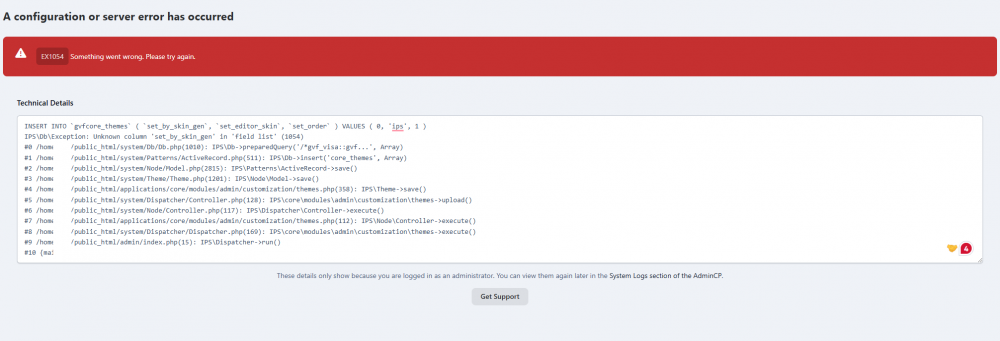
  12. I get this error when I try to upload a theme. What can I do to remove this error? Anyone? help
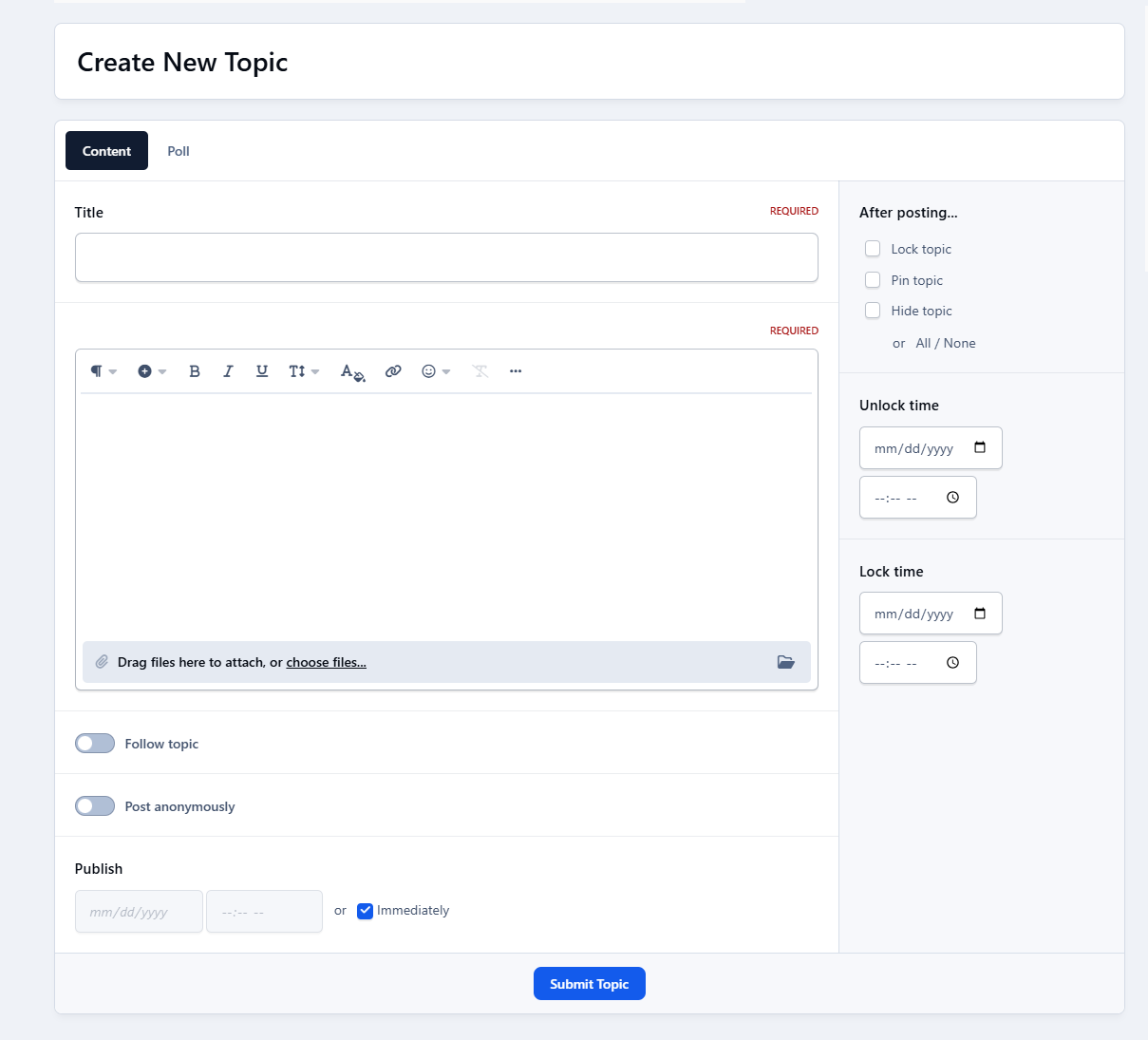
  13. stll not working. i can’t create any new topic
  14.    bunster123123 reacted to a review on a file: InvisionCommunityPro
  15.    ryancoolround reacted to a post in a topic: Unable To make a post on IC5
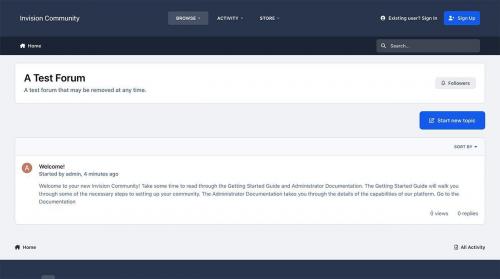
  16. I am unable to make any posts on my forum. i get the error as shown on the attached photo
Account

Navigation

Search

Configure browser push notifications

Chrome (Android)
  1. Tap the lock icon next to the address bar.
  2. Tap Permissions → Notifications.
  3. Adjust your preference.
Chrome (Desktop)
  1. Click the padlock icon in the address bar.
  2. Select Site settings.
  3. Find Notifications and adjust your preference.