
Skip to content
View in the app

A better way to browse. Learn more.

IPBMafia.ru - поддержка Invision Community, релизы, темы, плагины и приложения

A full-screen app on your home screen with push notifications, badges and more.

To install this app on iOS and iPadOS
  1. Tap the Share icon in Safari
  2. Scroll the menu and tap Add to Home Screen.
  3. Tap Add in the top-right corner.
To install this app on Android
  1. Tap the 3-dot menu (⋮) in the top-right corner of the browser.
  2. Tap Add to Home screen or Install app.
  3. Confirm by tapping Install.

Mahmoudali

Пользователи
  • Регистрация

  • В сети

Everything posted by Mahmoudali

  1. Mahmoudali replied to by_ix's тема in Interface
    Supports this as shown here Yes, that is what I meant
  2. Mahmoudali replied to by_ix's тема in Interface
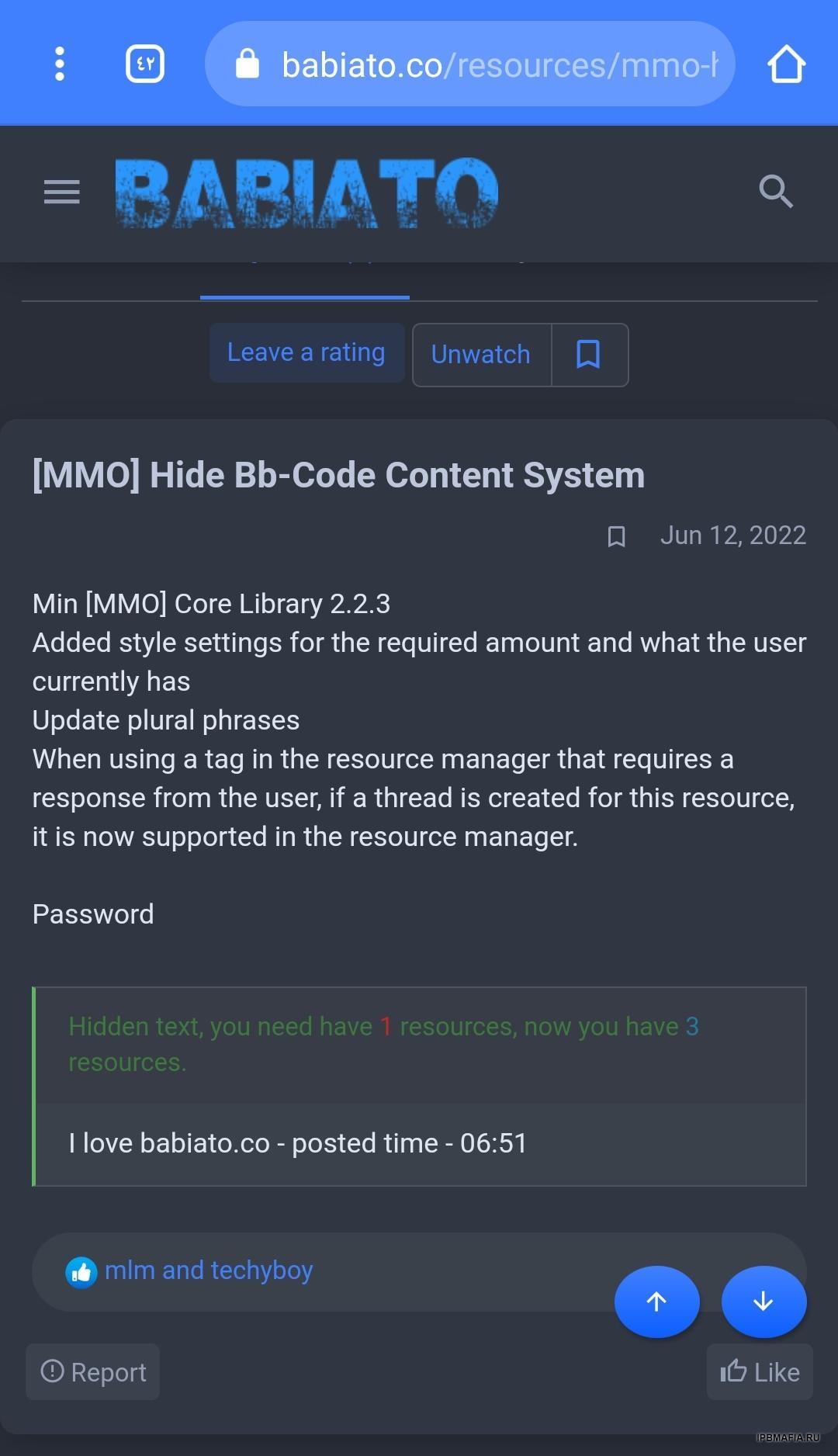
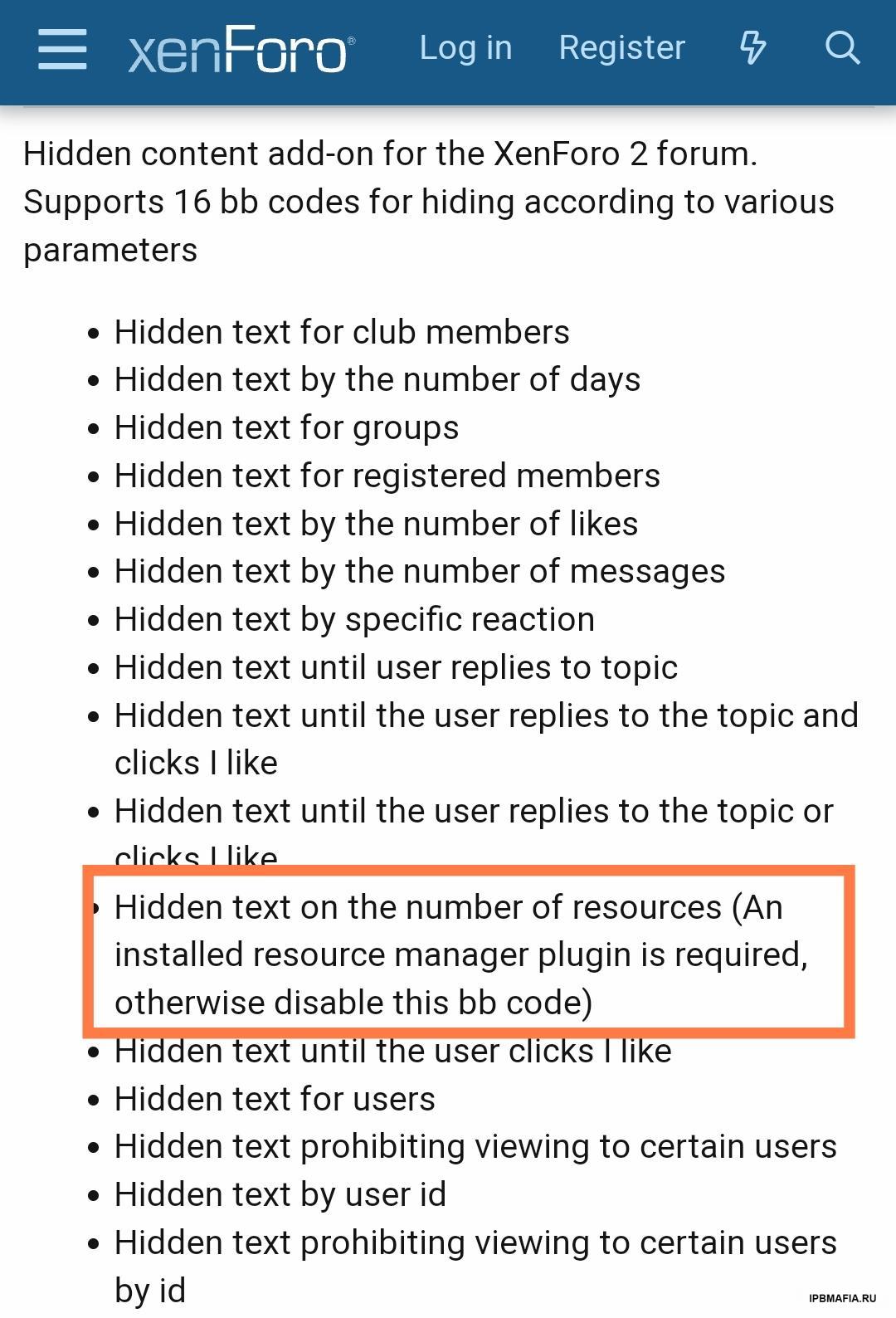
    Files, specifically the Downloads application I saw an app similar to it on XenForo, but it has a higher potential and is very cool This is it: https://xenforo.com/community/resources/mmo-hide-bb-code-content-system.7752/ All I need is support for Downloads application And also show hidden content according to the number of files in the Downloads application, not the number of posts That would be great
  3. I also want this topic, it would be nice if someone could share it
  4. Does anyone know why the PWA application does not work in version 4.6, that it works on the company's main website, but it does not work for me, does anyone know the reason for that?
  5. If you have the latest version and do not want to share it for free, can you sell it to me?
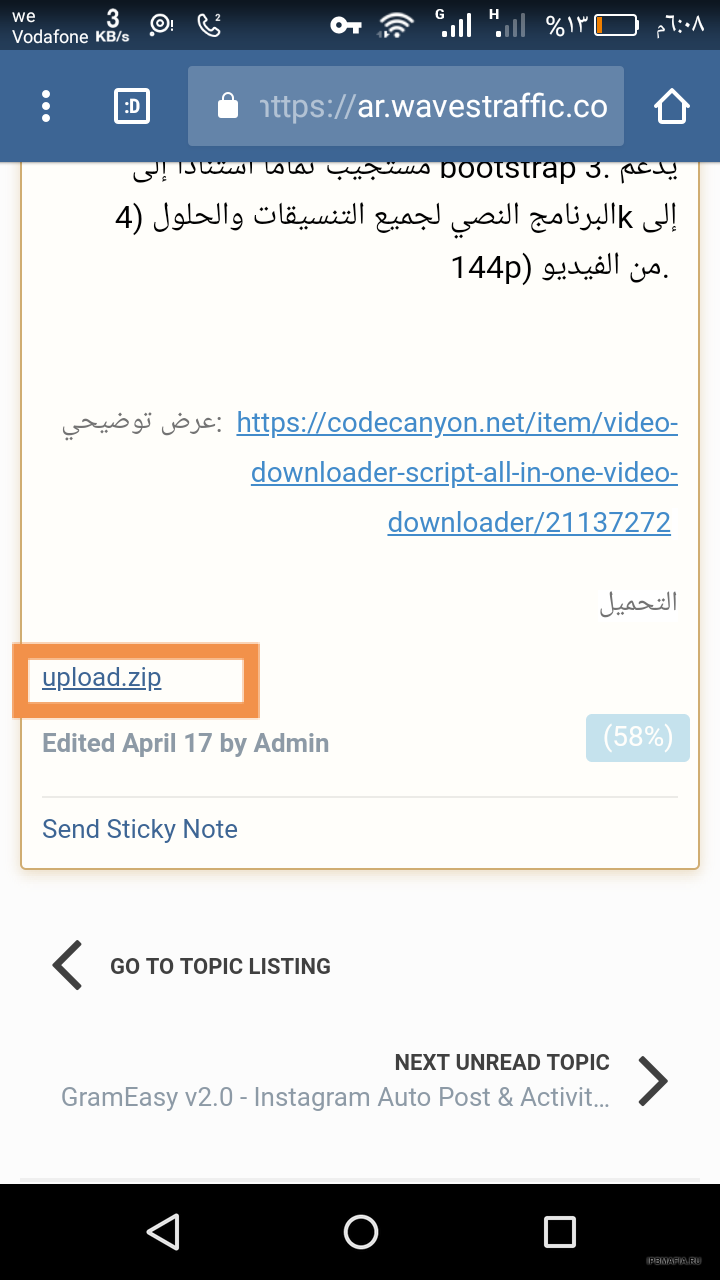
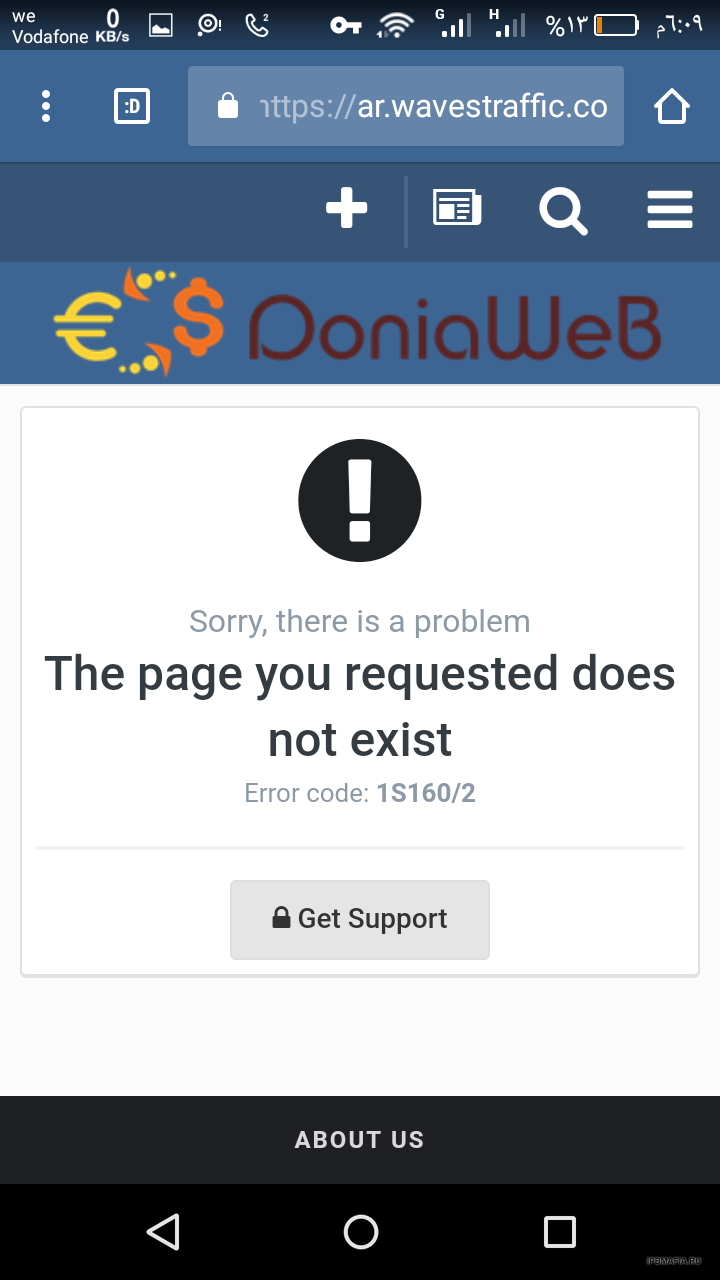
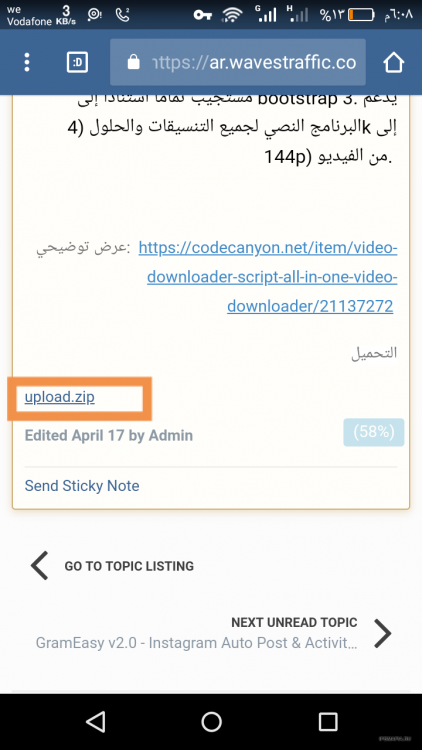
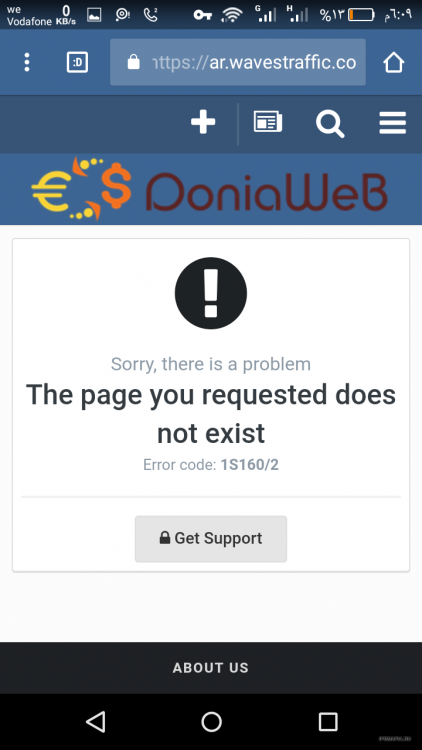
  6. Hello all, I upload an attached file in the subject and publish it, but when I go to download it does not upload and then directed to the page content "The page you requested does not exist" I hope the solution
Account

Navigation

Search

Search

Configure browser push notifications

Chrome (Android)
  1. Tap the lock icon next to the address bar.
  2. Tap Permissions → Notifications.
  3. Adjust your preference.
Chrome (Desktop)
  1. Click the padlock icon in the address bar.
  2. Select Site settings.
  3. Find Notifications and adjust your preference.