
Skip to content
View in the app

A better way to browse. Learn more.

IPBMafia.ru - поддержка Invision Community, релизы, темы, плагины и приложения

A full-screen app on your home screen with push notifications, badges and more.

To install this app on iOS and iPadOS
  1. Tap the Share icon in Safari
  2. Scroll the menu and tap Add to Home Screen.
  3. Tap Add in the top-right corner.
To install this app on Android
  1. Tap the 3-dot menu (⋮) in the top-right corner of the browser.
  2. Tap Add to Home screen or Install app.
  3. Confirm by tapping Install.

Mahmoudali

Пользователи
  • Регистрация

  • В сети

  1. Don't have the latest version?
  2. Do not work in mode: Fluid
  3.    Murid reacted to пост в теме: (MRIC5) Advanced Tags & Prefixes
  4. Do not support: Fluid: A simpler dynamic listing topics with a forum filter box
  5.    andros0789 reacted to пост в теме: Планы на 2026 год
  6. This is sad news. Although I rarely visit this forum, I would be sad to see it go. So, if this is your final decision, I would be happy to buy the forum from you to keep it alive and link it to my main website, doniaweb.com. Best regards,
  7. I have a file split feature from ic5, maybe you're doing something wrong
  8. Want something like this? https://doniaweb.com/release-notes/
  9. You can send me the amount via Crypto and I will buy it for you and give you the account details, I will take a 20% commission
  10. Do you think that the site has more than 150 thousand users that will be fraudulent?🤔😂
  11.    Mahmoudali reacted to пост в теме: ipsappzone required license to buy apps
  12. Do you know how they added an extra download page?
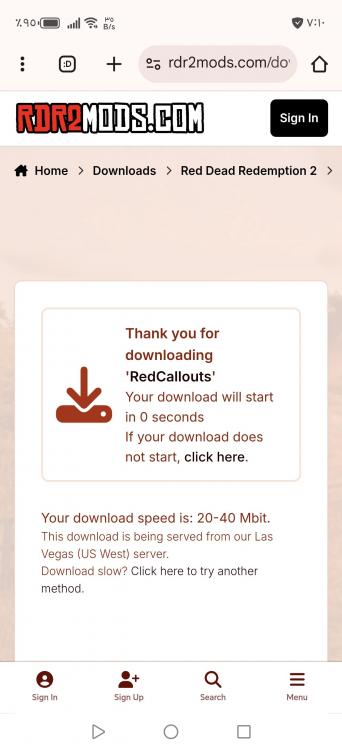
  13. You can find its applications here: https://doniaweb.com/files/category/33-invision-community-5x/
  14.    Silence reacted to пост в теме: Courses
  15. Mahmoudali replied to Respected's тема in Interface
    By changing the version number, I don't remember exactly which file, you'll need to search for yourself.
  16.    Silence reacted to пост в теме: Красивые иконки групп
  17. It has to be like this😃

Account

Navigation

Search

Search

Configure browser push notifications

Chrome (Android)
  1. Tap the lock icon next to the address bar.
  2. Tap Permissions → Notifications.
  3. Adjust your preference.
Chrome (Desktop)
  1. Click the padlock icon in the address bar.
  2. Select Site settings.
  3. Find Notifications and adjust your preference.