avangcom
Актив
-
Регистрация
-
В сети
Everything posted by avangcom
-
Здравствуйте! В Иране две валюты. Наша основная валюта — риал. Но все используют туманы. Например, сумма в риалах становится: 10000 риалов. Что в итоге означает: 1000 туманов. Из риала вычитается 0, и его единица измерения конвертируется в туманы. В настройках IPS валютой Ирана является только риал, и мы хотим отображать деньги в туманах. Раньше мы использовали этот плагин, который был подключен, и автоматически менял валюту с риала на туманы, но с обновлением IPS до версии 4.7.16 этот плагин перестал работать. Как синхронизировать этот плагин с указанной версией? Спасибо Currency Convertor .xml
-
@Respected
-
Если проблема связана с DDoS-атаками и ботами, стоит ли мне просто войти в cPanel или нет? Потому что, когда сайт загружается медленно, cPanel легко открывается.
-
Техподдержка говорит, что проблема, похоже, в таблице core_session. Но я очистил эту таблицу, и это не помогло. Что мне сделать, чтобы предотвратить появление ботов???
-
Hello My site has been loading very slowly for a few days. The IPS version is 4.7.16. I think I was on this version for two years and had no problems. Now I have been having the problem of loading slowly for 3 days. The server is working fine and I even told the server support that it is not a server-side problem. I disabled all plugins and programs, but it made no difference. I checked the core_session table, it is not very large and there are no error logs. Thank you for your advice. This is not a permanent problem. Sometimes the site speed is excellent and loads quickly.
-
This link is not opening for me. Does it open for you? https://www.google.com/recaptcha/admin
-
Где мне получить новый ключ? У меня возникает ошибка на cloud.google.com.
-
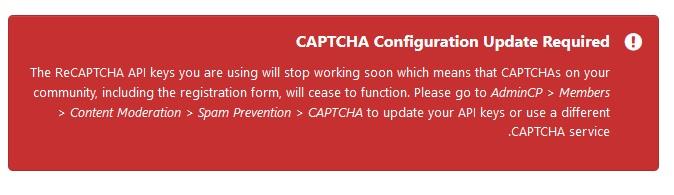
Hello My site is not working when registering. I checked and saw that it said the captcha code needs to be updated Please advise on the update.
-
please send New in Version 5.0.9
-
@by_ix Hello Is there a program for ic5??? Unfortunately, we need a program because version 5 does not support plugins.
-
Hello How do I add these to the IC5 version??? @by_ix
-
https://github.com/IPSFarsi/IPS-Persian-Translation/discussions/6
-
Chatbox 5.0 Chatbox 5.0 Информация Submitter avangcom Submitted 06.02.2025 Category IC5 apps Просмотр файла
-
-
up
-
up
-
Hello I want to add a text with a link to the file feed in the title section I used this code but it didn't work <a href = "https://SITE.org" target = "_self">CLICK</a>Please help
-
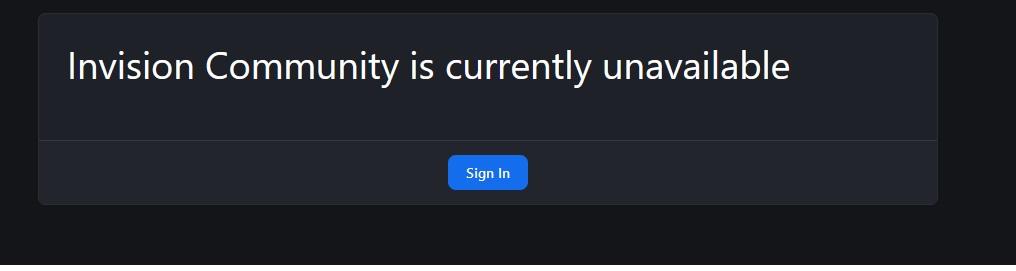
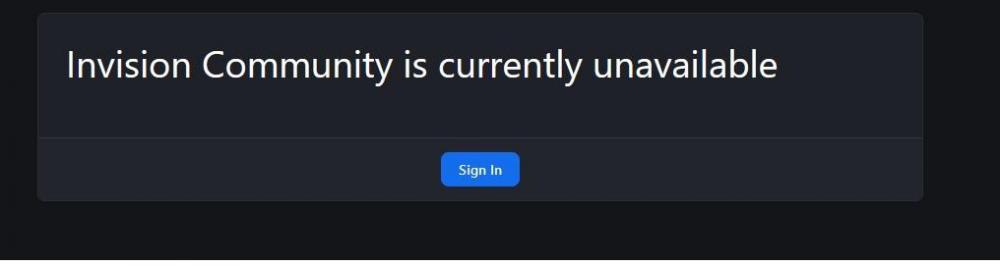
Hello I want to change the offline template of the site in IC5 version Please help
-
hello How did you install Hidden Content 2.3.0 on the ic5 version???? Do you have the program??? Because I have Hidden Content 2.3.0, it is a plugin
-
Yes, but it only works with USD and converts. Can you convert RUB to cryptocurrency?
-
Is there a way that it can be used with any currency??? Now it only works with USD
-
Hello It was installed on version 4.7.16 but no option was added to the payment method But in version 5 it will be added to the payment method Is there a way to use it in version 4 as well???
-
It is probably possible to install it on the IPS4 version. I will test it and announce the result.
-
-
If @Silence he has it, he will definitely send it with the knowledge I have of his personality