Jump to content
View in the app

A better way to browse. Learn more.

IPBMafia.ru - поддержка Invision Community, релизы, темы, плагины и приложения

A full-screen app on your home screen with push notifications, badges and more.

To install this app on iOS and iPadOS
  1. Tap the Share icon in Safari
  2. Scroll the menu and tap Add to Home Screen.
  3. Tap Add in the top-right corner.
To install this app on Android
  1. Tap the 3-dot menu (⋮) in the top-right corner of the browser.
  2. Tap Add to Home screen or Install app.
  3. Confirm by tapping Install.

lucasrp

Пользователи
  • Joined

  • Last visited

  1.    lucasrp reacted to a file: IC5 Dev Tools
  2. Does anyone have the latest version? For IPS 5, released yesterday
  3.    lucasrp reacted to a post in a topic: Invision Community 5 Nulled
  4. The stable version won't be free? :(
  5. Please, help us! @Silence
  6. Can you also post the new dev tools for this beta?
  7.    lucasrp reacted to a file: Invision Community Original
  8. lucasrp commented on Silence's file in IC5 apps
    Update to beta 9.1?
  9.    lucasrp reacted to a comment on a file: Developer Tools
  10. Does anyone have the latest dev tools? For beta 7
  11. lucasrp commented on Silence's file in IC5 apps
    Can you upload the new version of the dev tools?
  12.    lucasrp reacted to a file: Gradient Animation
  13.    lucasrp reacted to a post in a topic: stickyHeader
  14.    lucasrp reacted to a post in a topic: Recent topics
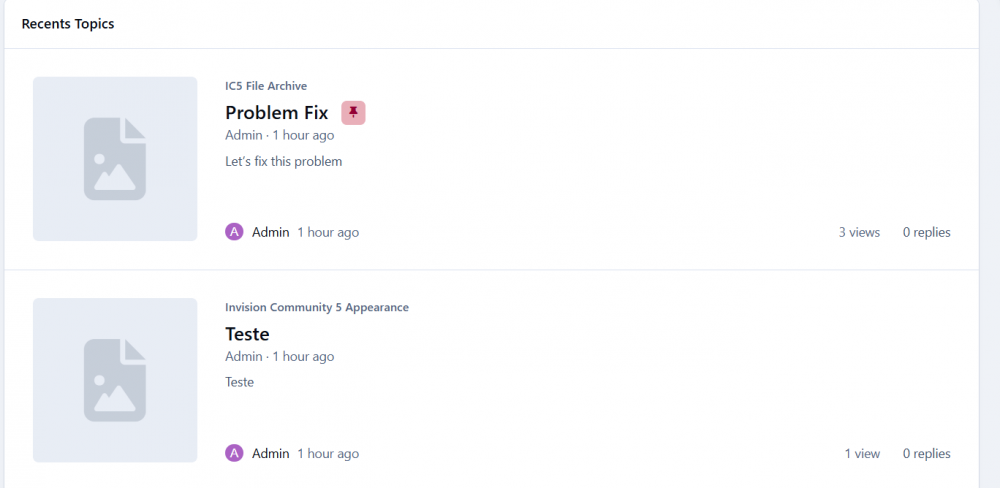
  15. It looks ly this by default:
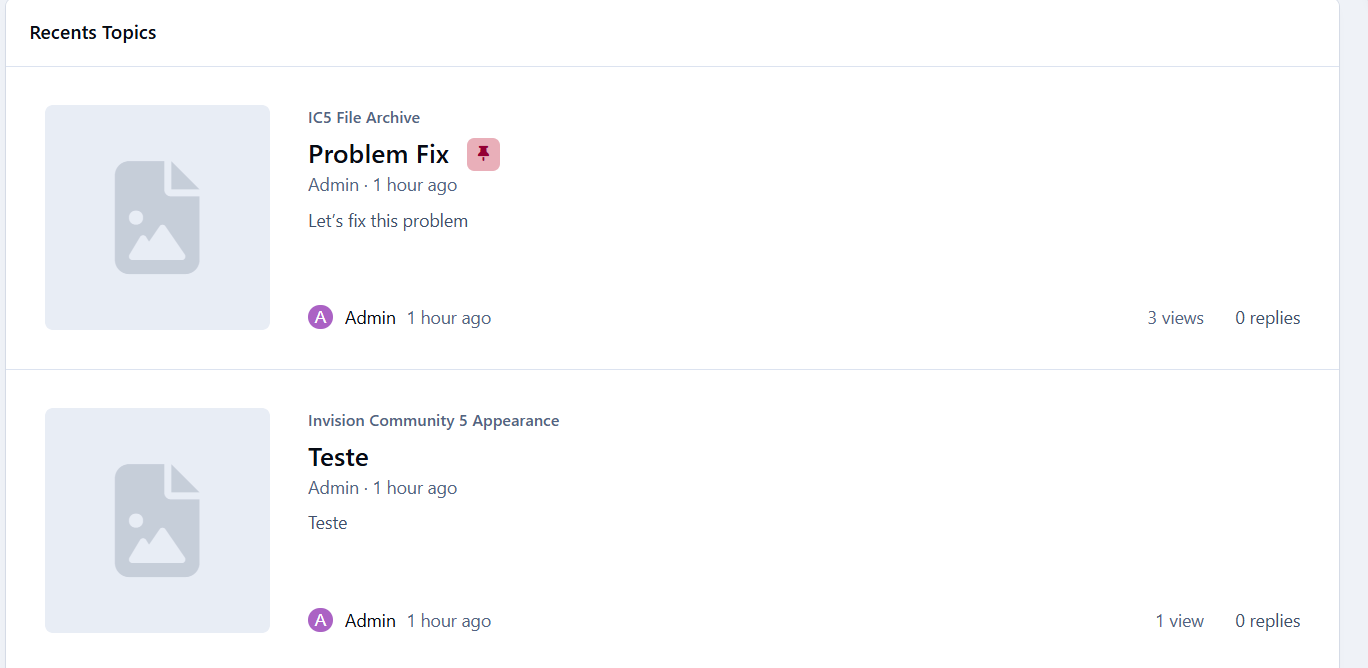
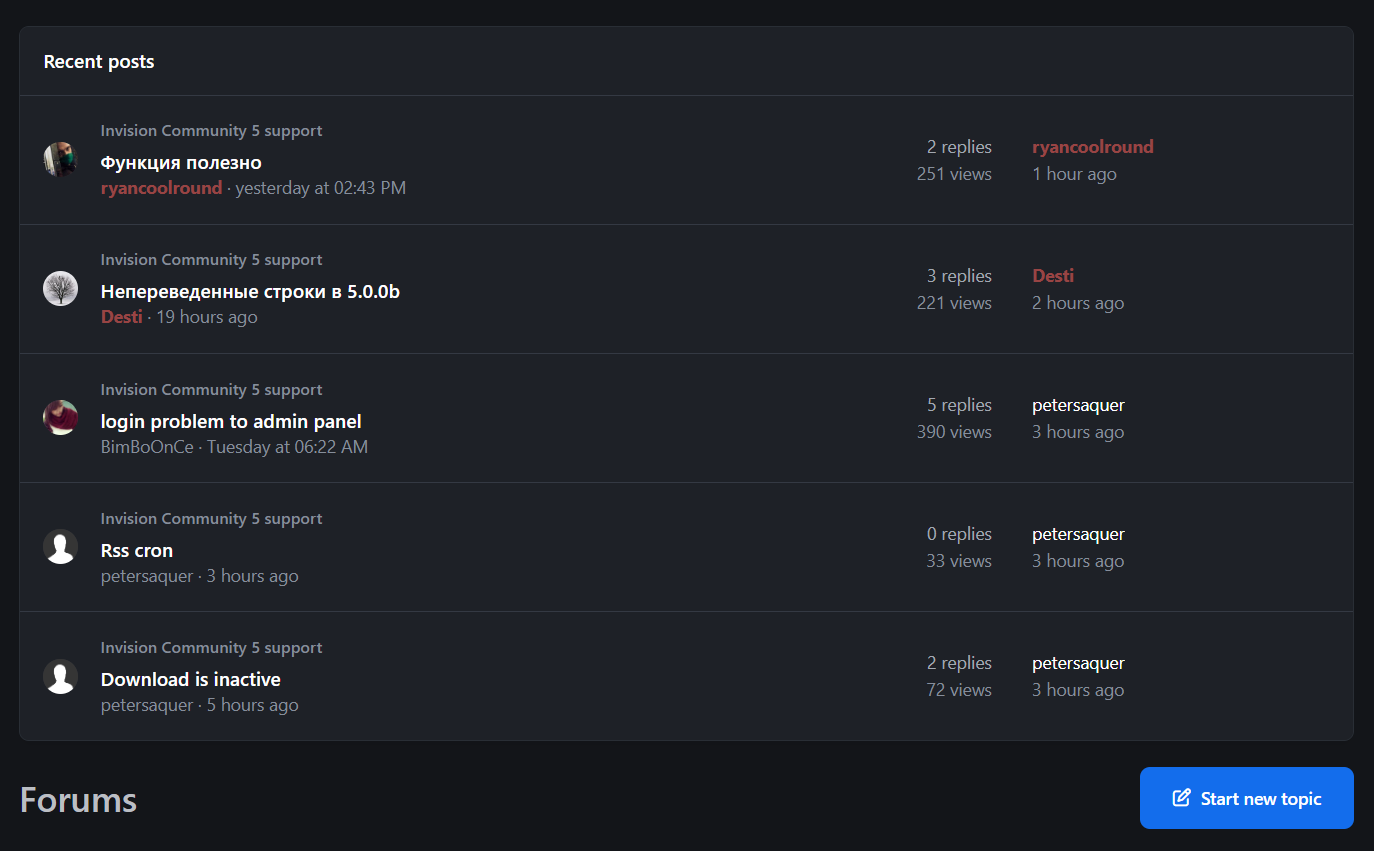
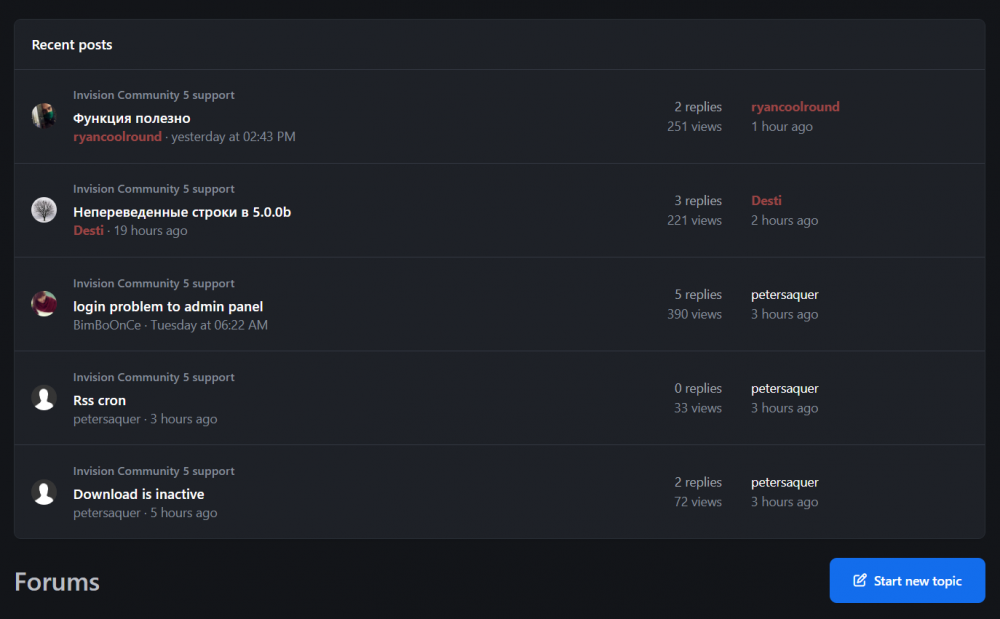
  16. How do I make my Recent Topics widget to look like yours?
  17.    lucasrp reacted to a post in a topic: [REQUEST] IPS Community Suite 5 Beta 1 Nulled
  18. Can anyone share the BETA 2 Retail version? (not nulled)
  19. Can you offer more payment options? Can’t pay with Yoomoney because it won't accept foreigners card and I don’t have crypto. (Maybe add stripe? IDK 🙃)
  20. It needs the license key. Can't wait for @Respected to null it!
  21. Hi everyone, I'm looking for the nulled version of the new IPS Suite Beta, released yesterday.

Account

Navigation

Search

Configure browser push notifications

Chrome (Android)
  1. Tap the lock icon next to the address bar.
  2. Tap Permissions → Notifications.
  3. Adjust your preference.
Chrome (Desktop)
  1. Click the padlock icon in the address bar.
  2. Select Site settings.
  3. Find Notifications and adjust your preference.