Jump to content
View in the app

A better way to browse. Learn more.

IPBMafia.ru - поддержка Invision Community, релизы, темы, плагины и приложения

A full-screen app on your home screen with push notifications, badges and more.

To install this app on iOS and iPadOS
  1. Tap the Share icon in Safari
  2. Scroll the menu and tap Add to Home Screen.
  3. Tap Add in the top-right corner.
To install this app on Android
  1. Tap the 3-dot menu (⋮) in the top-right corner of the browser.
  2. Tap Add to Home screen or Install app.
  3. Confirm by tapping Install.

Invision Community 5 Nulled 5.0.16

(1 review)

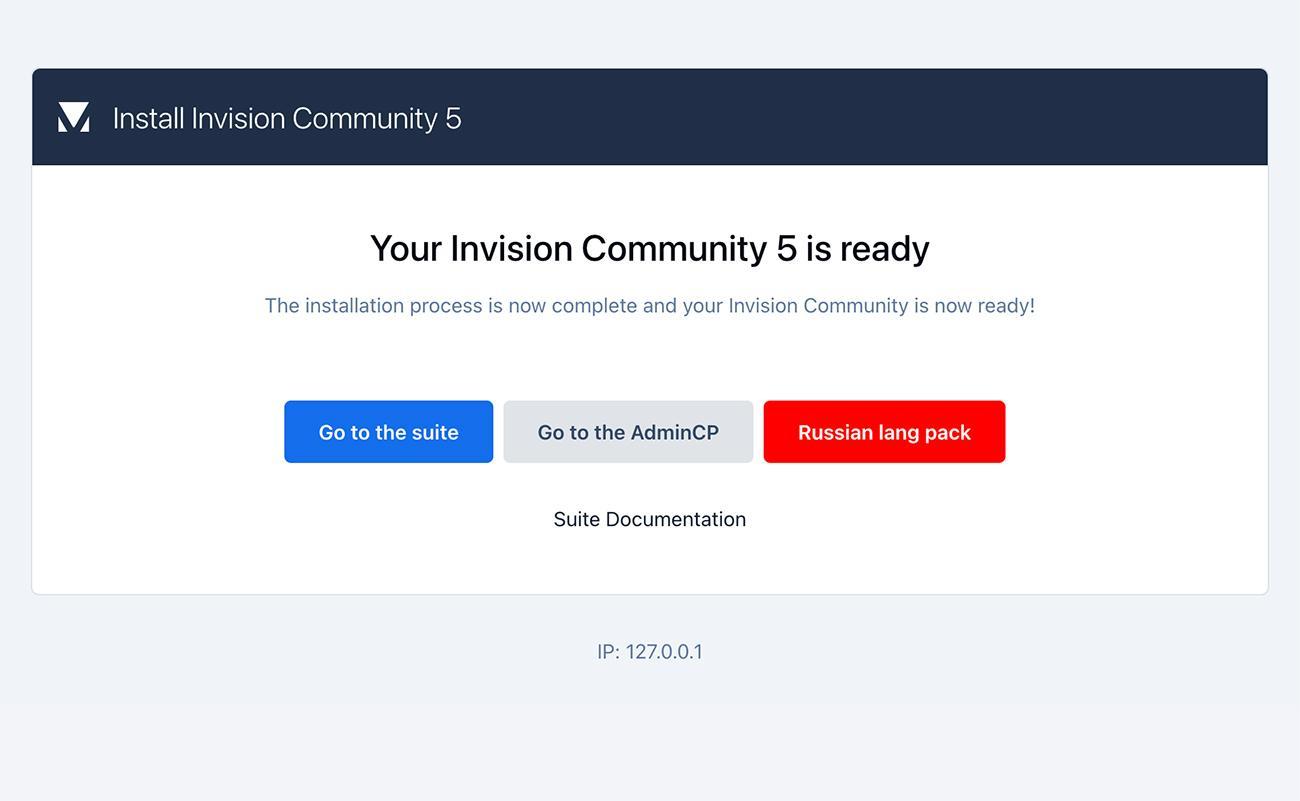
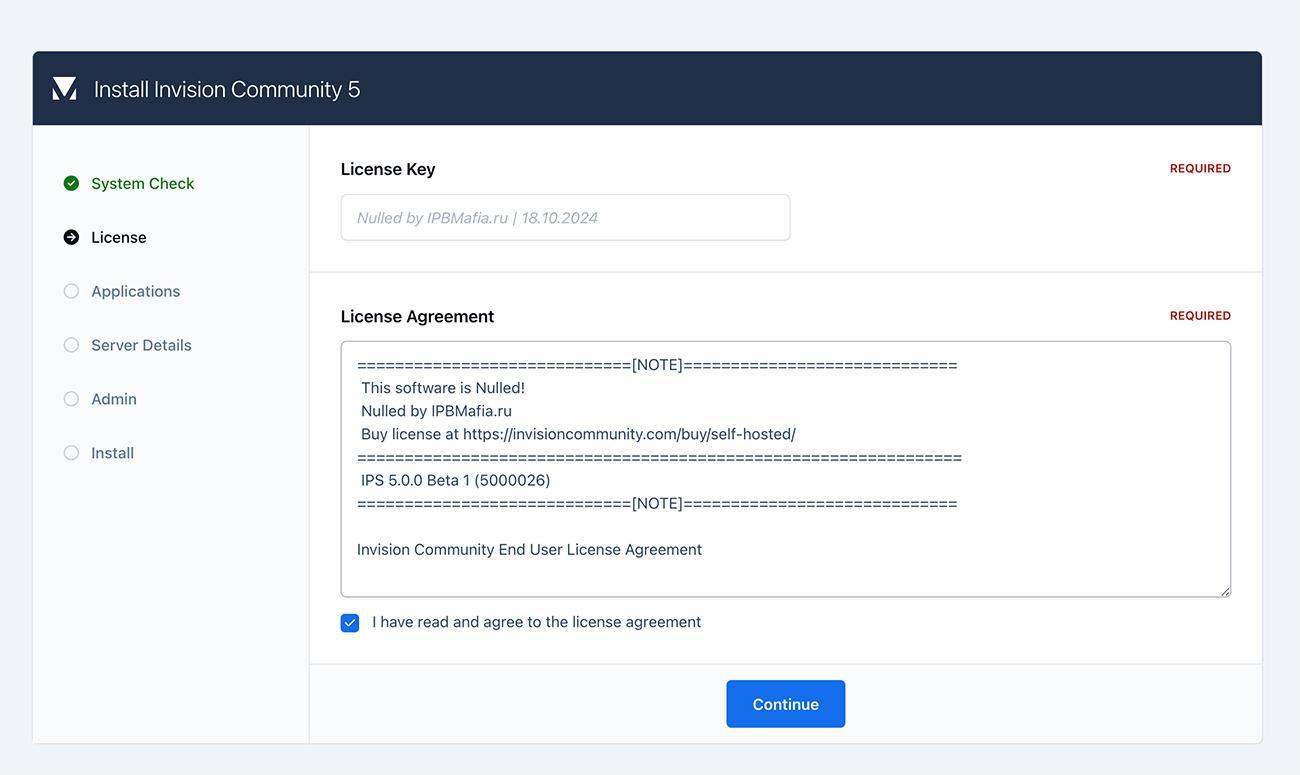
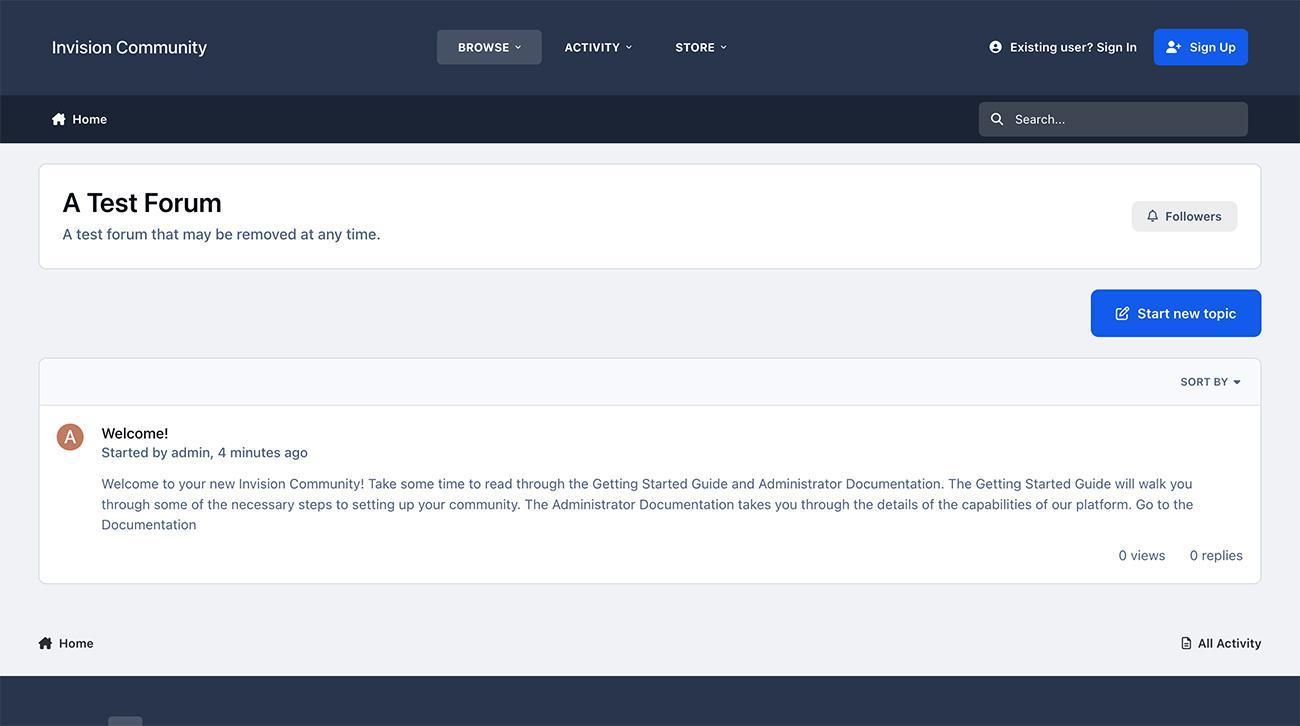
3 изображения

Invision Community 5 Nulled!

If the payment methods do not suit you, write to me via feedback

Новое в версии 5.0.16

Выпущена

This is our March maintenance release.

Key changes include:

  • New: Achievement action for Profile Completion.

  • Updated: User interface accessibility for screen readers.

  • Updated: Past events can now be removed from search results.


#6270 Fix EditorLocations extension for Courses and Lessons
#6408 Copy Followers on Topic Split
#6450 validate the image size/position for cropping
#6452 Removed unused quickSearch controller
#6453 Converted navigation panel into web component
#6457 Removed unused controllers and JS templates
#6469 Don't run spam analysis if we're in the ACP
#6470 Added the className option to ipsHovercard
#6477 Missing email template names
#6478 Delete ips.ui.accordion.js
#6494 fix broken „stop ignoring“ link
#6496 Fix PM folder creation for new members
#6497 Fix return types for Followable::containerFollowerCount
#6500 remove the failed s3 deletion request logging
#6501 5829 - Theme editor lifecycle updates
#6505 Remove unnecessary (and incorrect) approval queue cleanup setp from the initial upgrade
#6506 Fix empty Tag Navigation Extension submission
#6508 Fix issues with broken Pages fields
#6514 Toggle the „require customer field while registration“ if it’s not shown while the registartion
#6515 Fix an issue where two pages in the same folder can be marked default
#6517 Fix an issue where merging 2 tags can result in duplicates
#6518 Reference src property of element
#6522 Fix an issue where background images in custom CSS would sometimes disappear
#6527 Converted .ipsAlert to <dialog>
#6532 Allow past events to be excluded from search results
#6533 Fix an issue where legacy builder pages with no wrapper showed a blank white screen
#6536 Fix an issue where JS language files did not always build correctly
#6538 Fix broken commerce product forms
#6542 PHPDoc Type Annotations
#6549 Restore mobile navigation bar on tablets
#6553 Validate the Tags before saving them to the DB
#6556 Fix an issue where debug log checks failed during install
#6557 Remove Log::hookDetails()
#6562 Prevent invalid voter data from breaking Polls
#6563 Fix databases not showing in the ACP for Self Hosted
#6570 Significant accessibility improvements, including an updated dialog component
#6572 fix infinite redirection loop in the theme editor
#6575 Add bulkmail notification settings to the ACP => Registration Settings Form
#6581 Fix restoring of deleted topics requiring approval
#6585 Prevent that the Node Navbar Extension can throw an exception when the node doesn’t exist
#6599 Fix IPS\Db object is not fully initialized
#6604 fix broken referrer
#6605 Fix few missing / not translatable language strings
#6613 Allow profile fields to be automatically included in member search
#6614 Implemented AchievementAction extension for profile completion
#6615 Fix an issue where some stats controllers threw a "CSRF key" error
#6617 Fix an issue where the Banned MemberFilter extension did not always calculate the match correctly
#6618 Fix an issue where an invalid card can break the invoice warnings task
#6622 Converted search modal to <dialog> with focus trapping
#6629 Accessiblity: Minimal Contact page
#6630 Remove duplicate dropColumn instruction
#6631 Fixed duplicate error code
#6633 Add missing JS language strings
#6636 Added accessible title for search dialog
#6638 Improved spacing of mobile navigation panel
#6640 remove setting of deprecated column
#6645 Fix color of summary in Stream Subscriptions in dark emails
#6653 Improved accessibility of Registration form
#6710 Update UnderscoreJS to 1.13.8

User Feedback

Recommended Comments

AkaiTSB

Пользователи

10 hours ago, Respected said:

Yes

Can revise the price ??

$12/6month??

🫥

kevinexit

Пользователи

(edited)

11 часов назад, Respected said:

Yes

When is this going to end? Every month? @Respected pls check feedback I sent you a message

Edited by kevinexit

SlawkA

Актив

@Respected привет.

когда на своей странице жму Репутация

Screenshot 2024-11-24 at 15-53-27 SlawkA - IPBMafia.ru - поддержка Invision Community релизы темы плагины и приложения.png

то потом перебрасывает на ошибку

Снимок экрана (233).png

BobrKurwa

Пользователи

6 версию загрузите пожалуйста ❤️

Zuldek199

Пользователи

Она бесплатна? Или еще за нулл платить?

У меня версия 4.7.20, как ее обновить или придется все по новой установит, а таблицы выброчно переносить?

BobrKurwa

Пользователи

Багов конечно еще немеренно. Но самый главный вопрос, зачем они поменяли имена классов CSS в 5 версии для pages. Лол, абсурд же. Столько всего у меня было повязано, переделать не проблема, но смысла понять не могу.

nurget15k

Новичок

friend, i have the normal ips (not the nulled one), can i “upgrade” to this nulled one without losing anything from my current one?

MrJavan

Новичок

I am using the nulled version 5.0.9 on my site. How can I update to this version? Could you please guide me?

Join the conversation

You can post now and register later. If you have an account, sign in now to post with your account.
Note: Your post will require moderator approval before it will be visible.

Guest
Добавить комментарий...

Account

Navigation

Search

Configure browser push notifications

Chrome (Android)
  1. Tap the lock icon next to the address bar.
  2. Tap Permissions → Notifications.
  3. Adjust your preference.
Chrome (Desktop)
  1. Click the padlock icon in the address bar.
  2. Select Site settings.
  3. Find Notifications and adjust your preference.