avangcom
Актив
-
Регистрация
-
В сети
Everything posted by avangcom
-
Do I need to send the program?
-
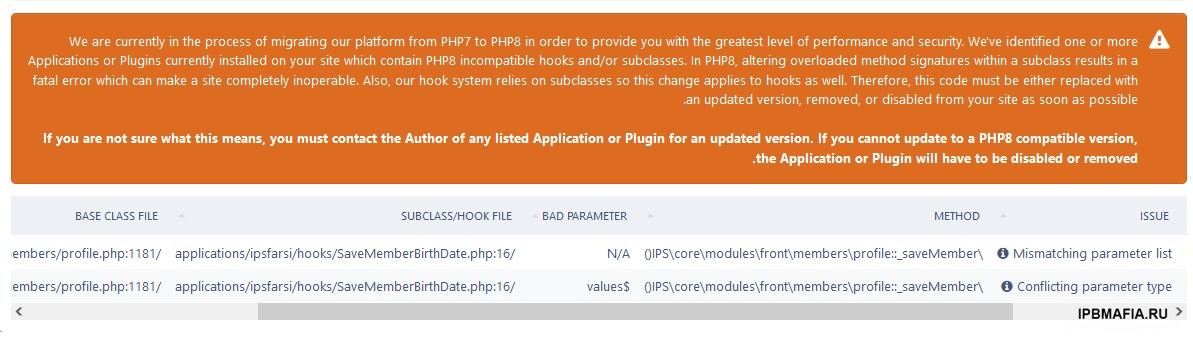
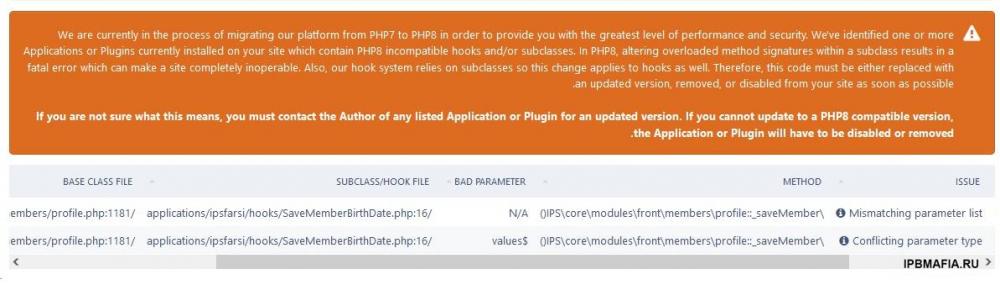
Hello After updating to the new version, one of my important programs was disabled and gives this error PLEASE HELP FOR FIX ERROR THANX
-
please Send Null version 4.7.2.1
-
-
-
How can I change the format?
-
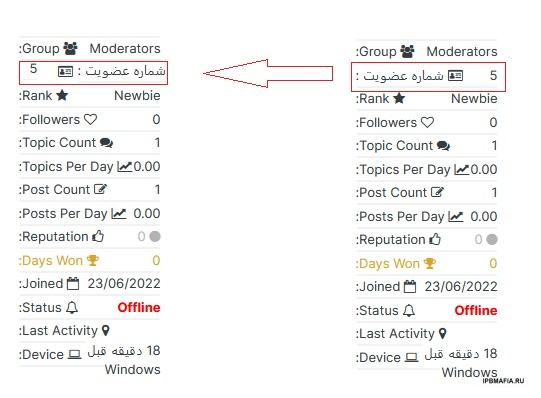
hi Please help to correct the plugin ( RTL ) Example :
-
But email can be easily sent to Gmail through the mail server
-
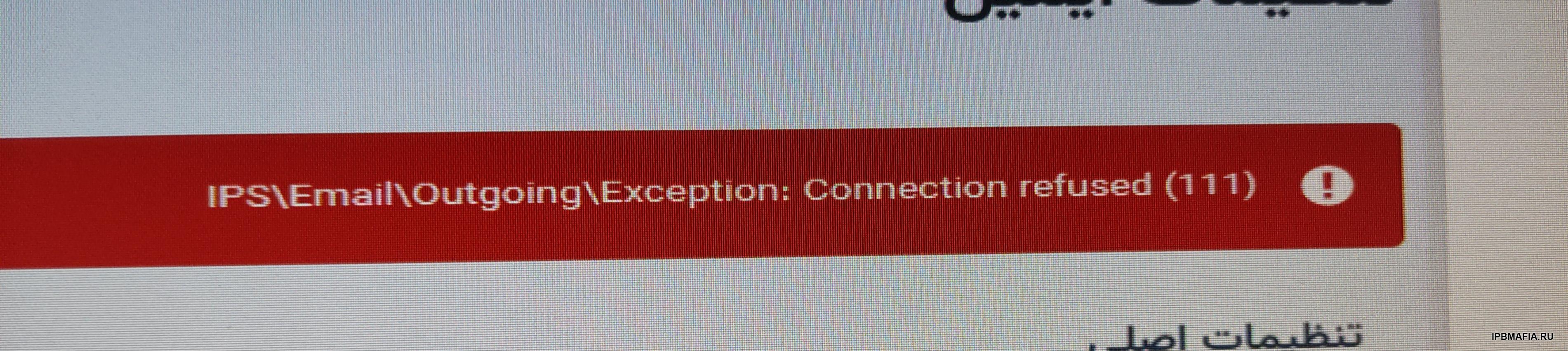
Whatever it is, the problem is from the server side I have used several smtp and all have errors My problem is that the email is not sent to Gmail, but it is sent to Yahoo and... I wanted to solve this problem through smtp It gave this error with some smtp connection refused(111)
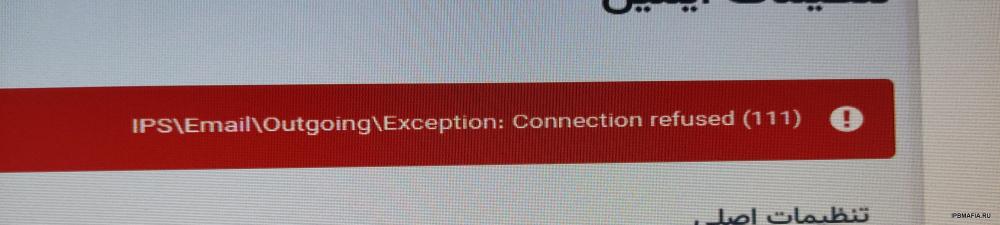
-
Yes, I apply a password for smtp in the App section
-
I tested with Gmail and it gives the same error
-
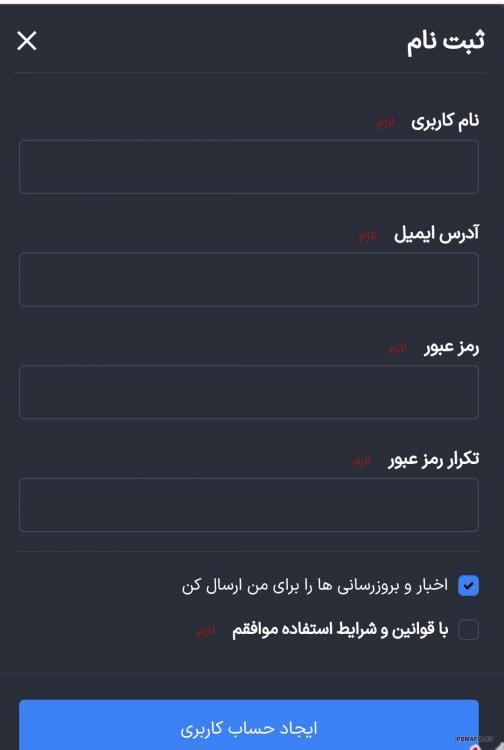
This problem arises because of the additional fields Especially for Persian language RTL You change the language of the site to English and it will scroll
-
Chrome browser
-
The settings are correct I used mail.ru for smtp I tested it locally by wamp server, the email is sent
-
up
-
I set the email to smtp But it gives this error when sending an email error : Network is unreachable (101) The smtp information is correct please guide me
-
Please send the tutorial
-
Hello Write a program to limit the download of attached files For example, a user can download x files per day
-
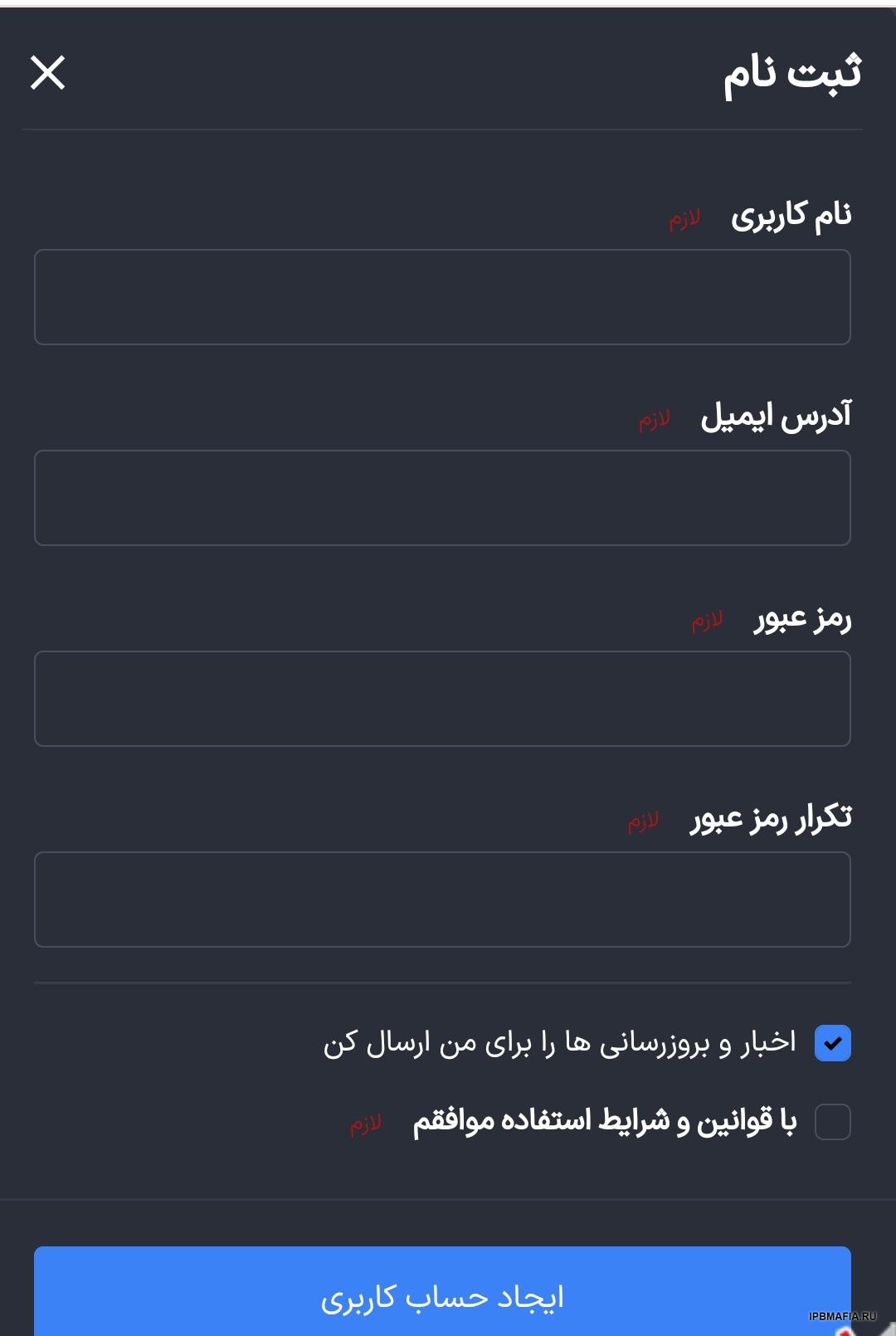
Email confirmation is solved with this method But forgetting the password is not solved and does not send the new password request to Gmail
-
Hello I also have this problem and email confirmation is not sent to Gmail Please show how to fix the problem with a photo
-
This plugin only counts the number of downloads It does not show who downloaded it
-
hi please send plugin https://invisioncommunity.com/files/file/10122-tb-vip-status-for-members/ and https://invisioncommunity.com/files/file/10121-tb-log-attachments-downloads/
-
login username :
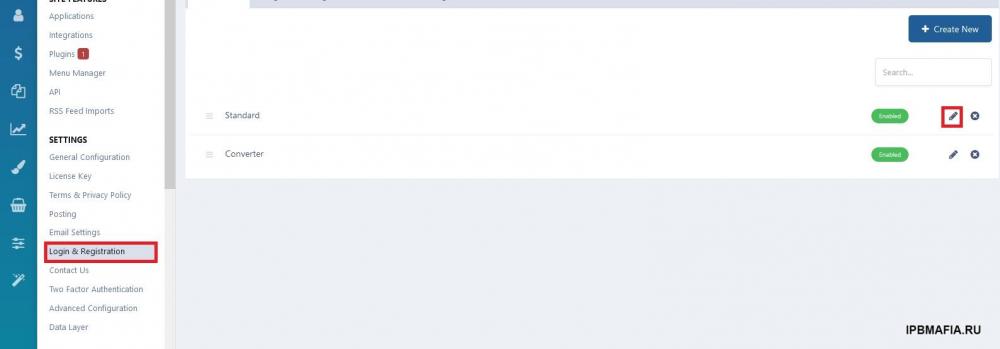
-
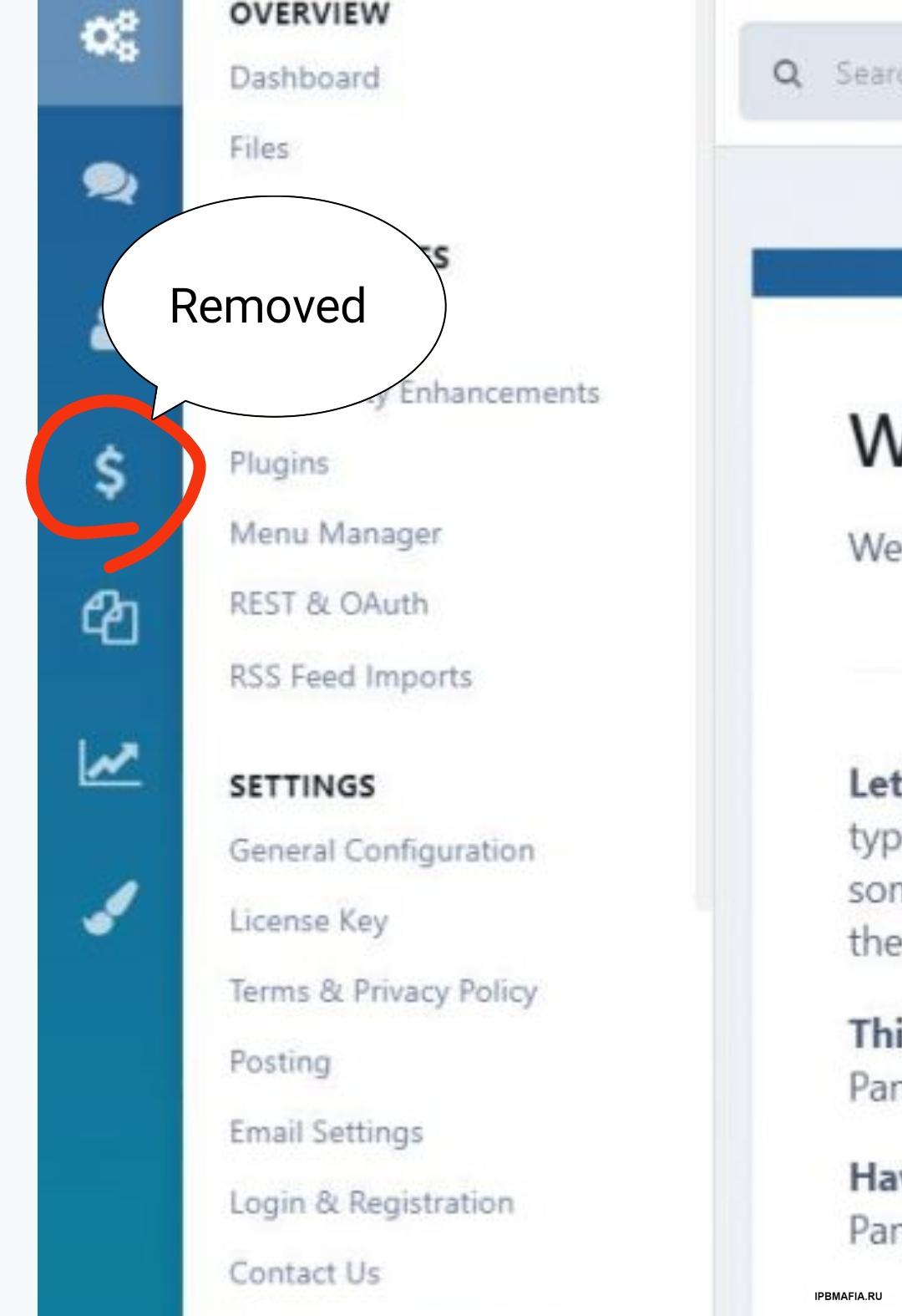
Unfortunately, I upgraded from version 4.6.11 to 4.6.12.1, but the store section was removed from the forum.
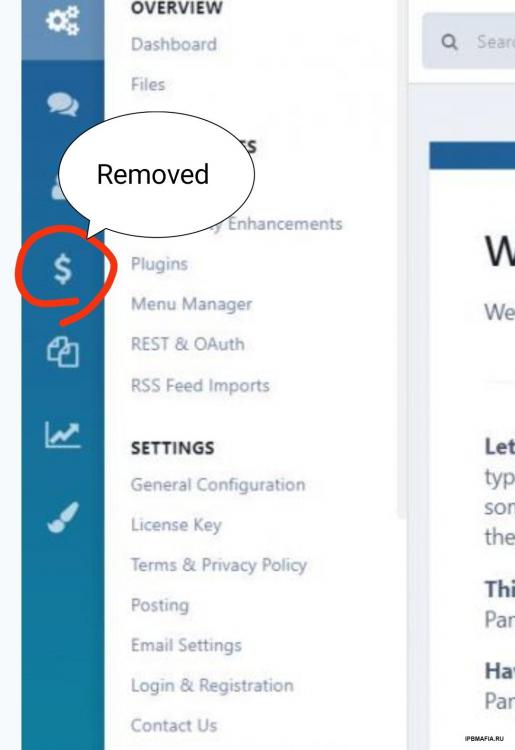
-
@Destib @by_ix